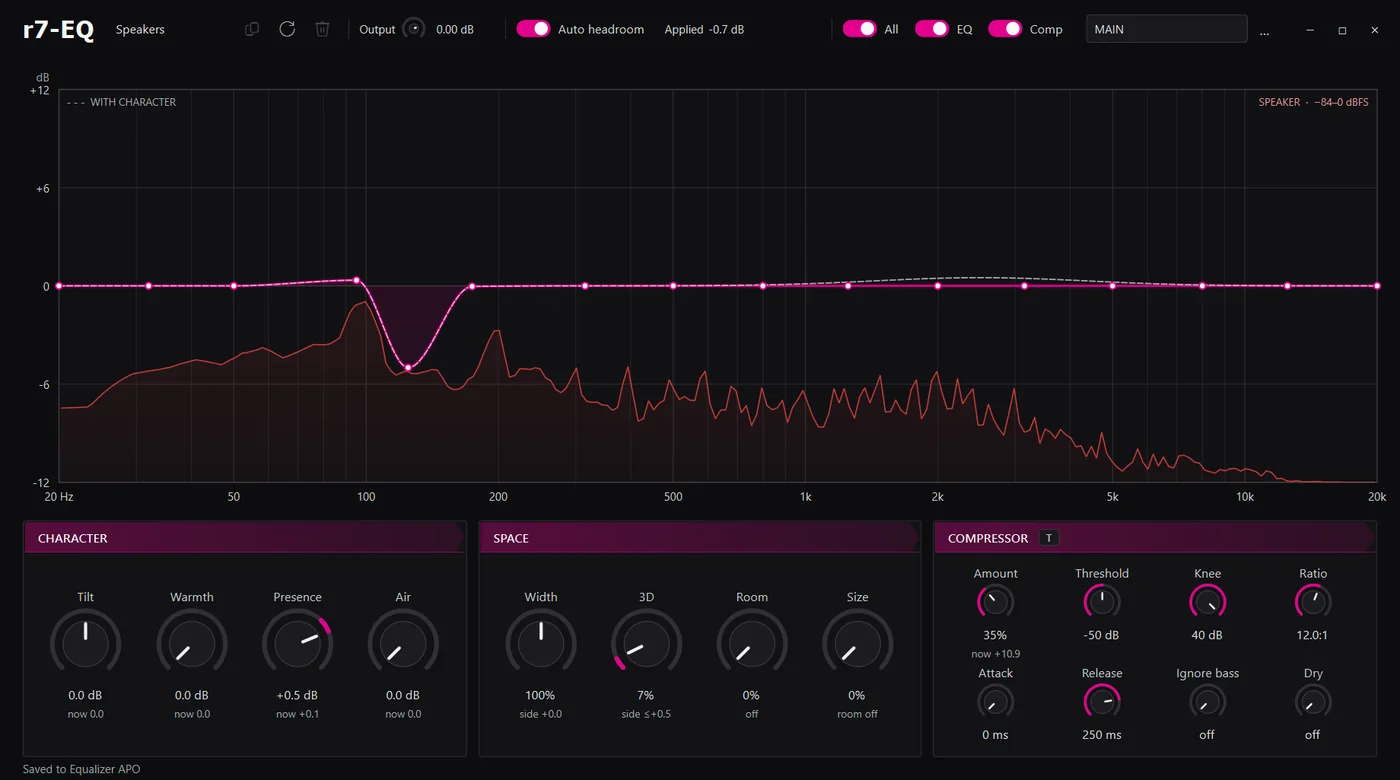
I have two audio outputs on my PC, computer speakers and headphones. The speakers are actually too good, so I needed a way to bring down their dynamic range, and I also wanted to shape the sound more to my own taste. So I made a small EQ app for Equalizer APO, and I'm putting it out for anyone who wants to use it or extend it.
The compressor is based on Chrome's Web Audio compressor code, and the T button sets it to a reasonable default for TV, dialogue and other non-music stuff. Each output has its own profile, and the app switches to whichever one Windows is using.
It's pretty barebones and mostly made for my own setup, but it should work with anything Equalizer APO supports. It's Windows only, and the code and setup steps are on GitHub.
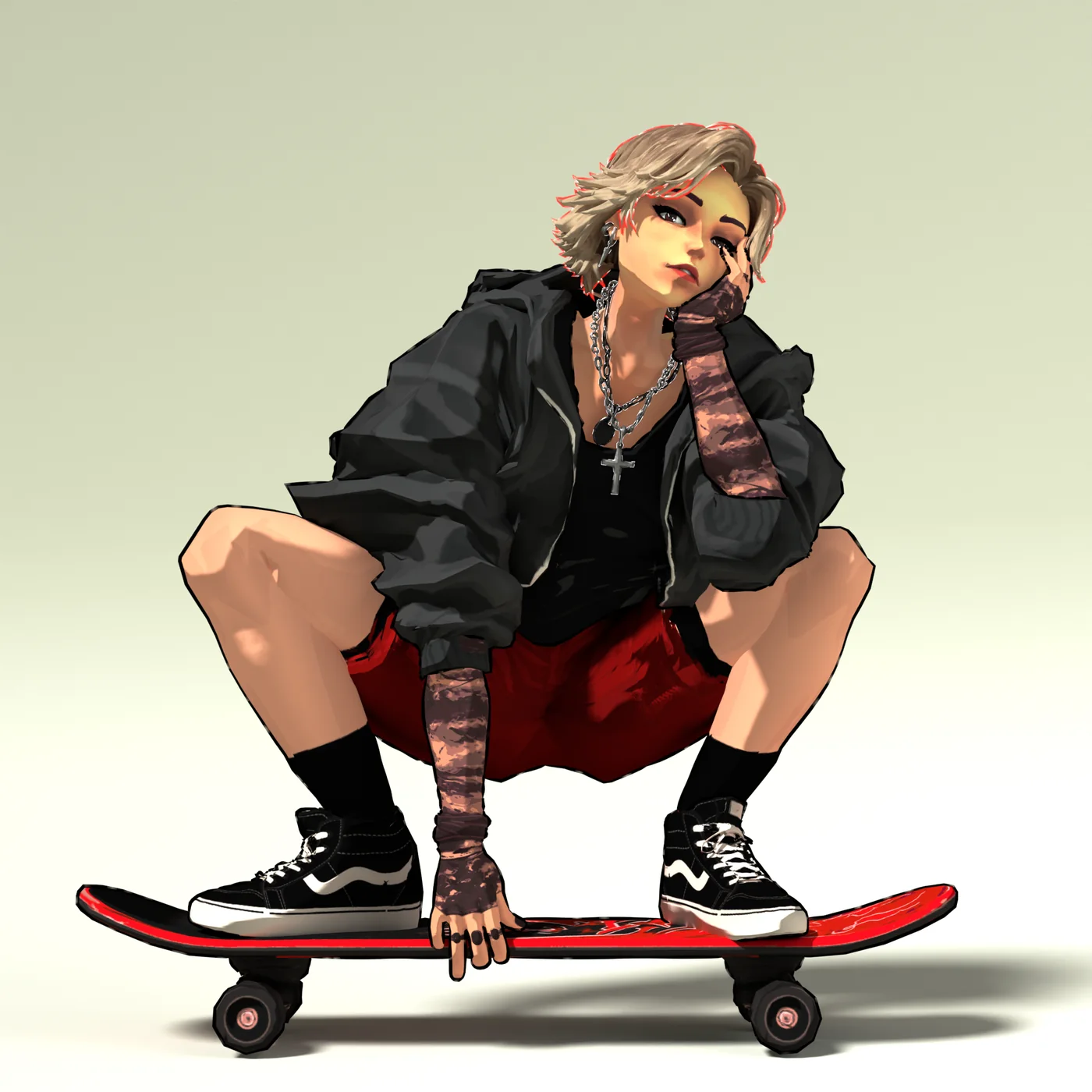
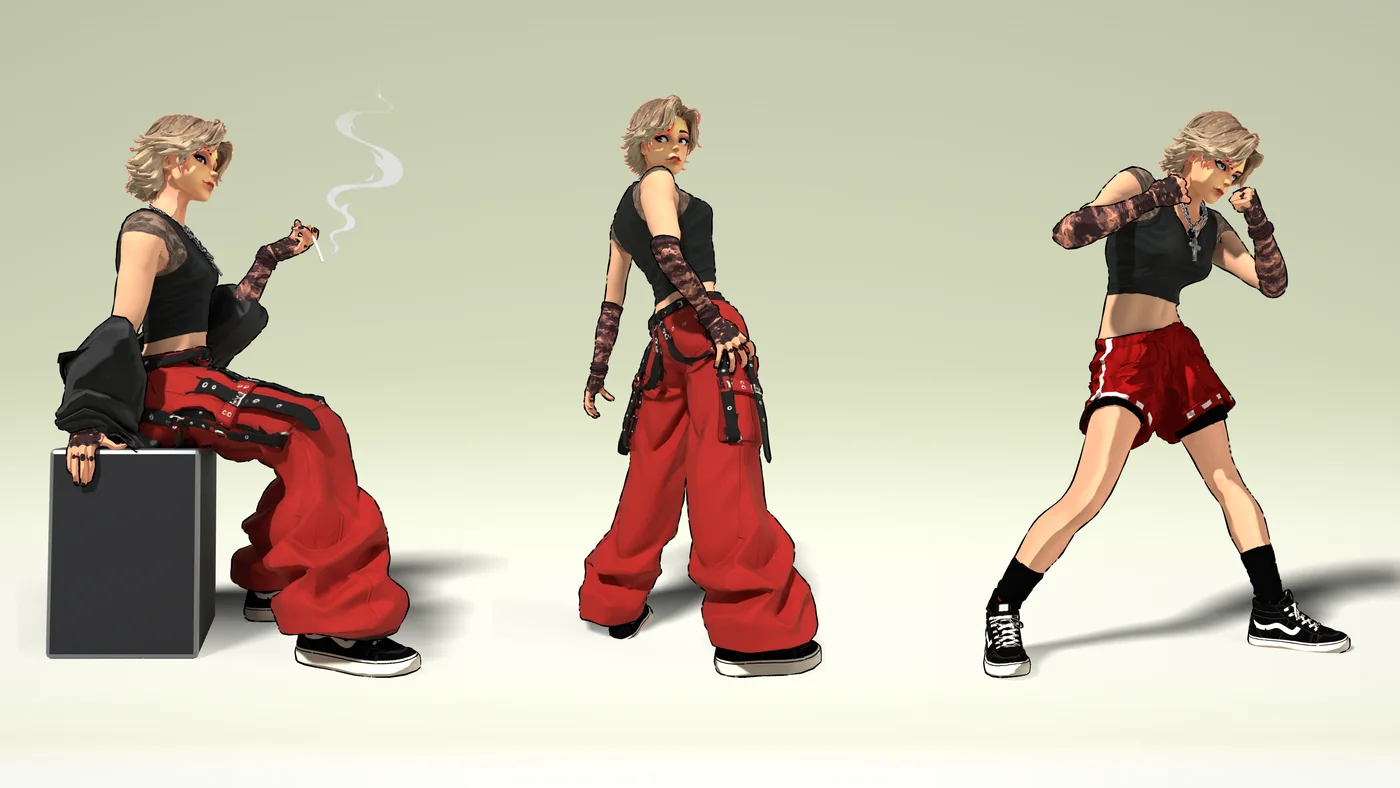
New realtime character, Mishu. Rigged and textured, about 61k tris. I was going for a sort of stylized toon style with ink outlines.
She has two outfits and a few poses, all rendered in Blender.
Had a lot of trouble with the weight painting and rigging on some of the custom poses. It's a pretty difficult process, and it takes a lot of time just fine-tuning the rig for whatever it's going to be used for. The end result is pretty messy and kinda hacked together with shape keys, but this was just an art experiment, so getting it perfect wasn't that important.
I did the outlines on the Sketchfab version with a shell mesh as a bit of a test, so the tri count there is about double.
The full rig and the other poses are in the .blend file.
This new project development process is working well, but I'm realizing that innovation in game development is exceedingly difficult because there isn't any real way to experiment rapidly or take action intuitively. Each gameplay system, even with AI coding assistance (which is fast, but still not fast enough), must be comprehensively considered, coded, tested, tuned, and then combined with other systems. Even simple systems usually take several hours. It's making more sense why so many developers rely on derivative gameplay mechanics and content. Truly new material is very difficult to create. But I'm beginning to figure it out.
These projects are very different in terms of both visual content and gameplay systems, but my new MAZE framework is working very well for handling and reusing core systems. This vastly reduces the amount of time I spend fiddling with input, audio, profiling, builds, and other groundwork. The work is paying off, and once I finish these games, initializing future projects should, theoretically, be even faster.
Now I'm working on the demos. From what I can see, this is the most critical part of any game's development process. Once a demo is complete, content can be added to the existing product, but until that point, the game exists in a much more fluid state and can potentially become many things.
Developing a game on your own is an entirely separate beast from collaborative work. Without outside judgment or restrictions, the possibilities become endless, allowing me to reach for more unusual ideas, but wrangling the sheer amount of gameplay potential is proving extremely difficult. I've created a few techniques for handling this, and they are proving effective, but it took very long to figure each of them out and learn how to use them.
I intend to have at least one of these demos submitted for the next Steam Next Fest in October. We'll see how much I can get done.
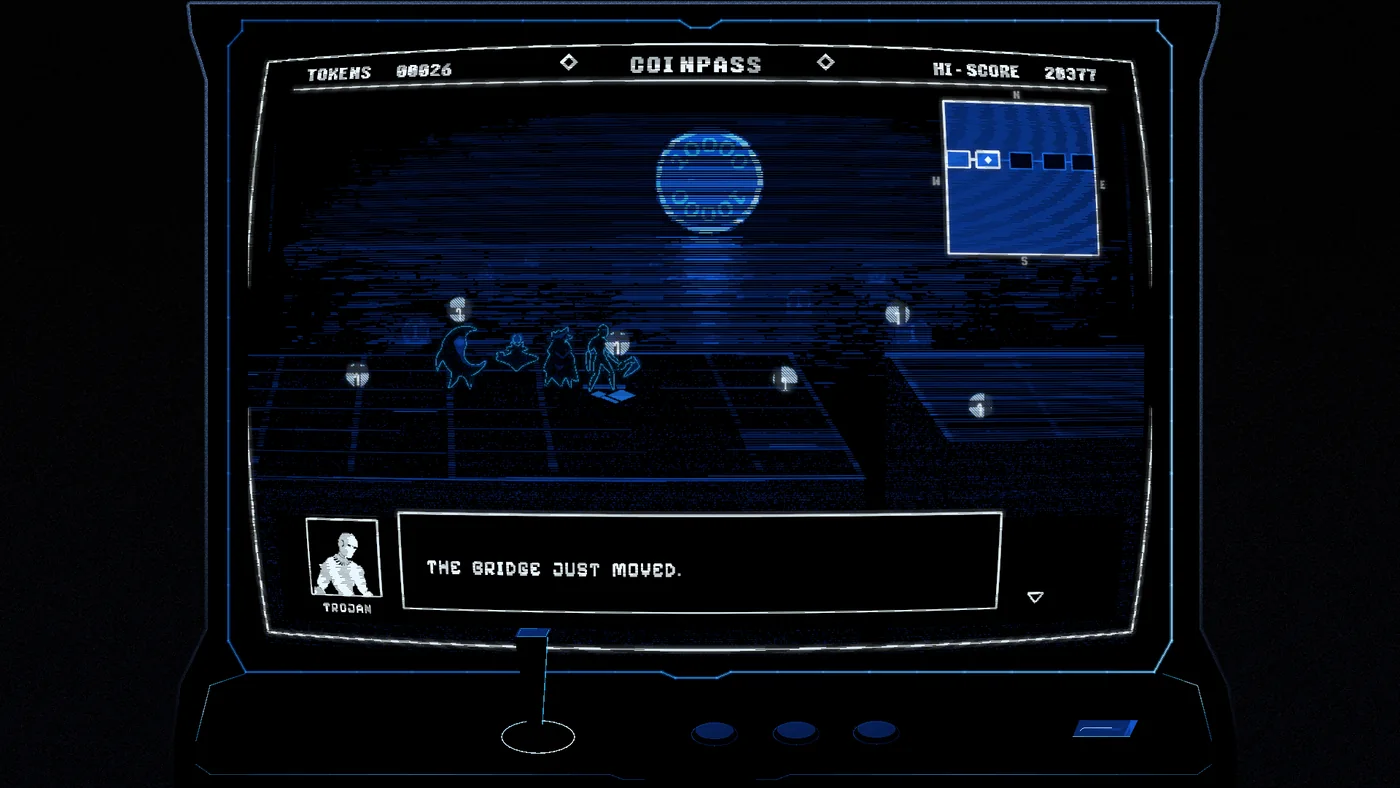
I've started working on another game project: bithunters. Alongside NIGHTSWEEPER, I'm challenging myself to develop and release two full games at the same time.
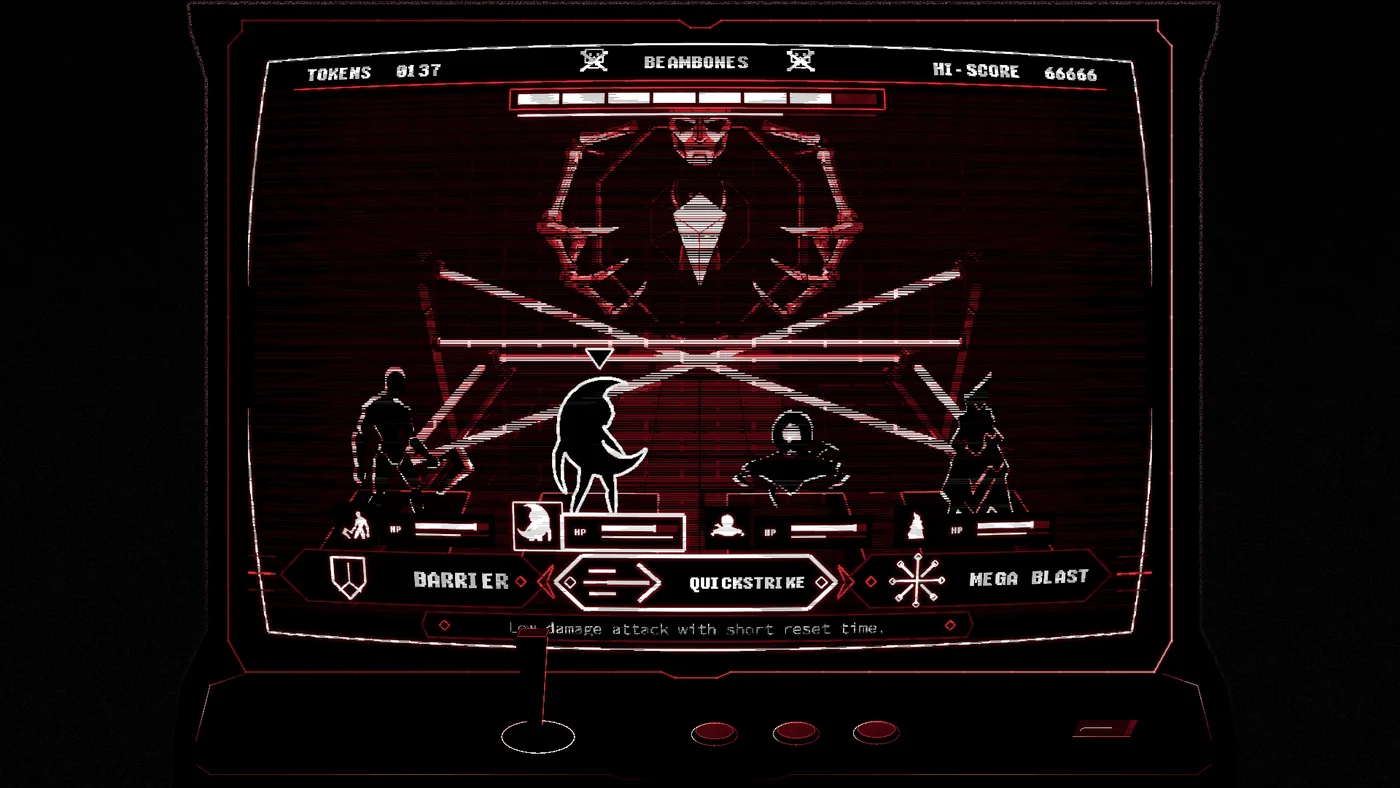
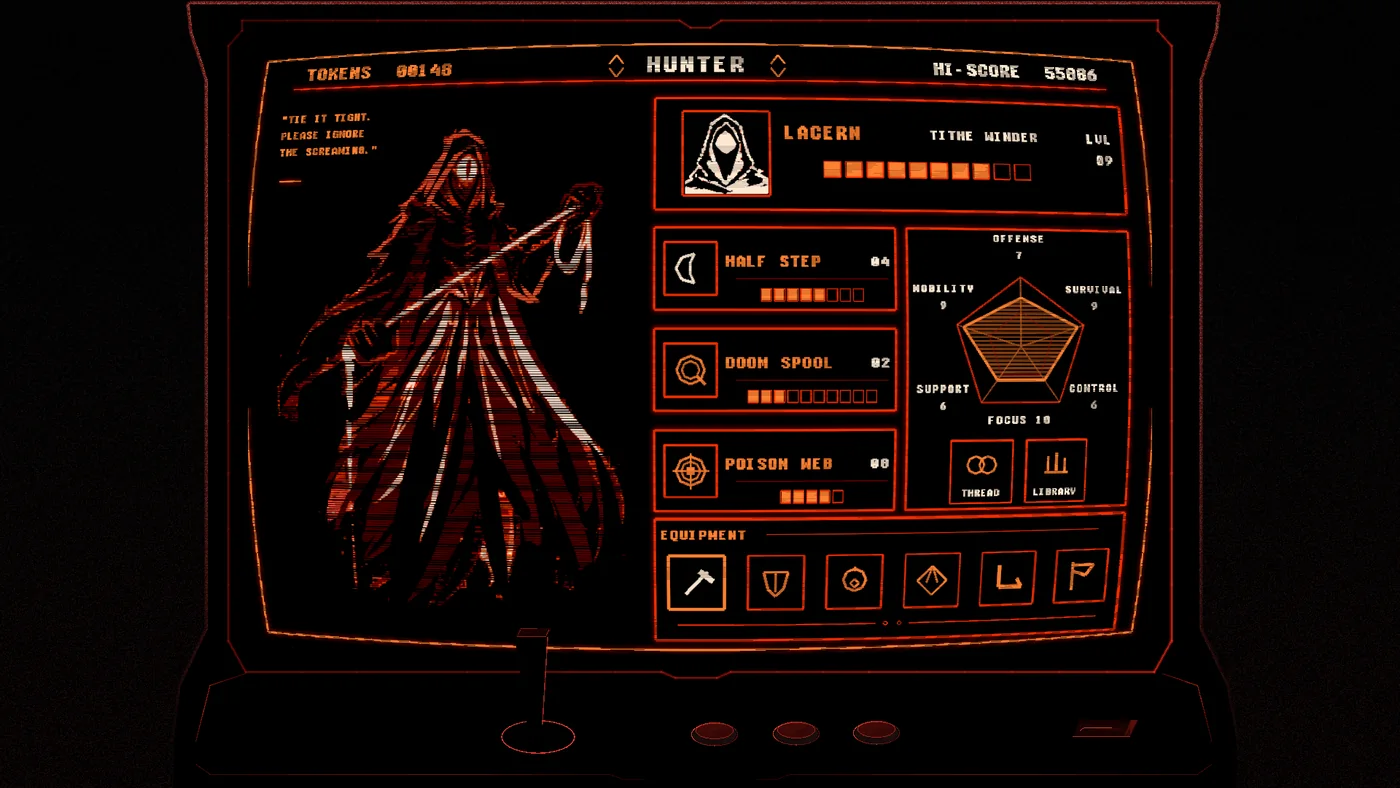
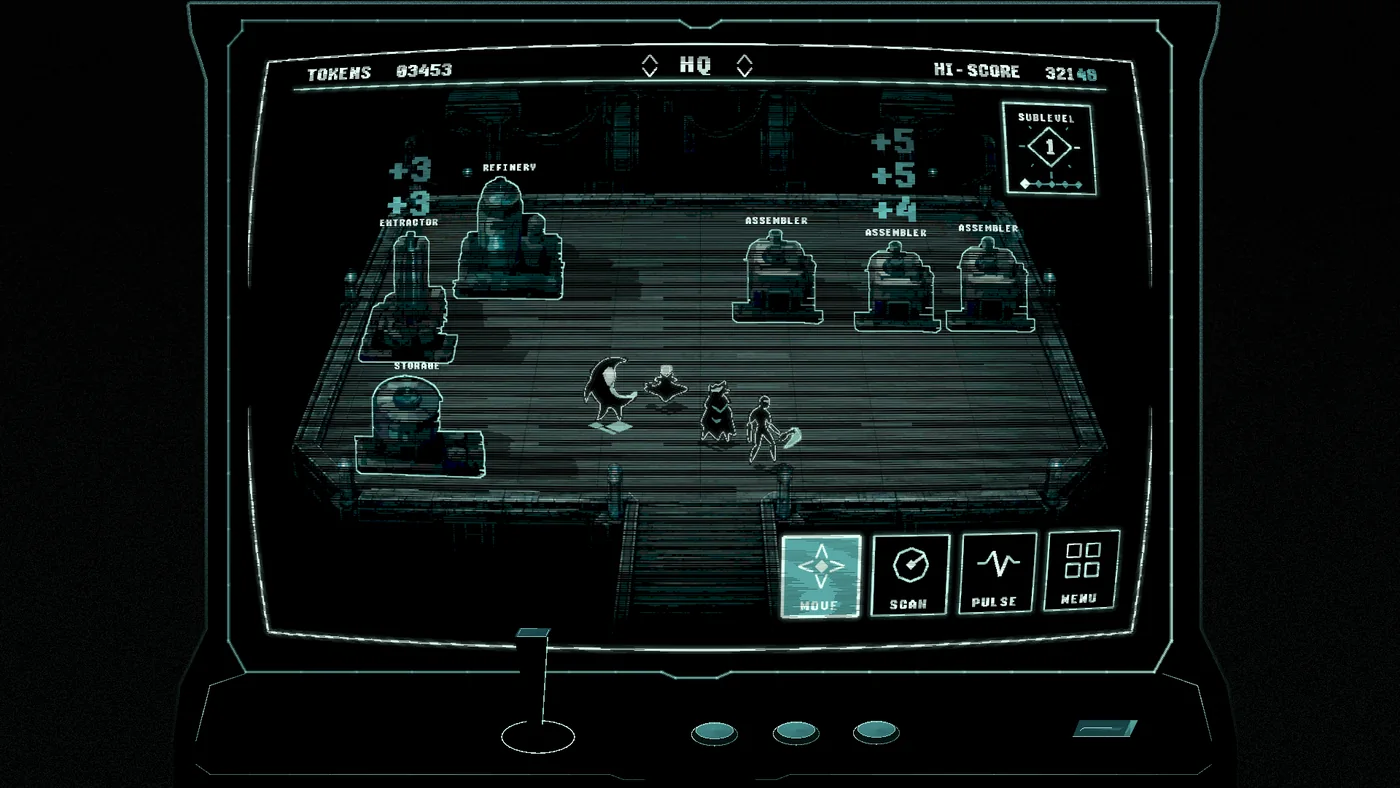
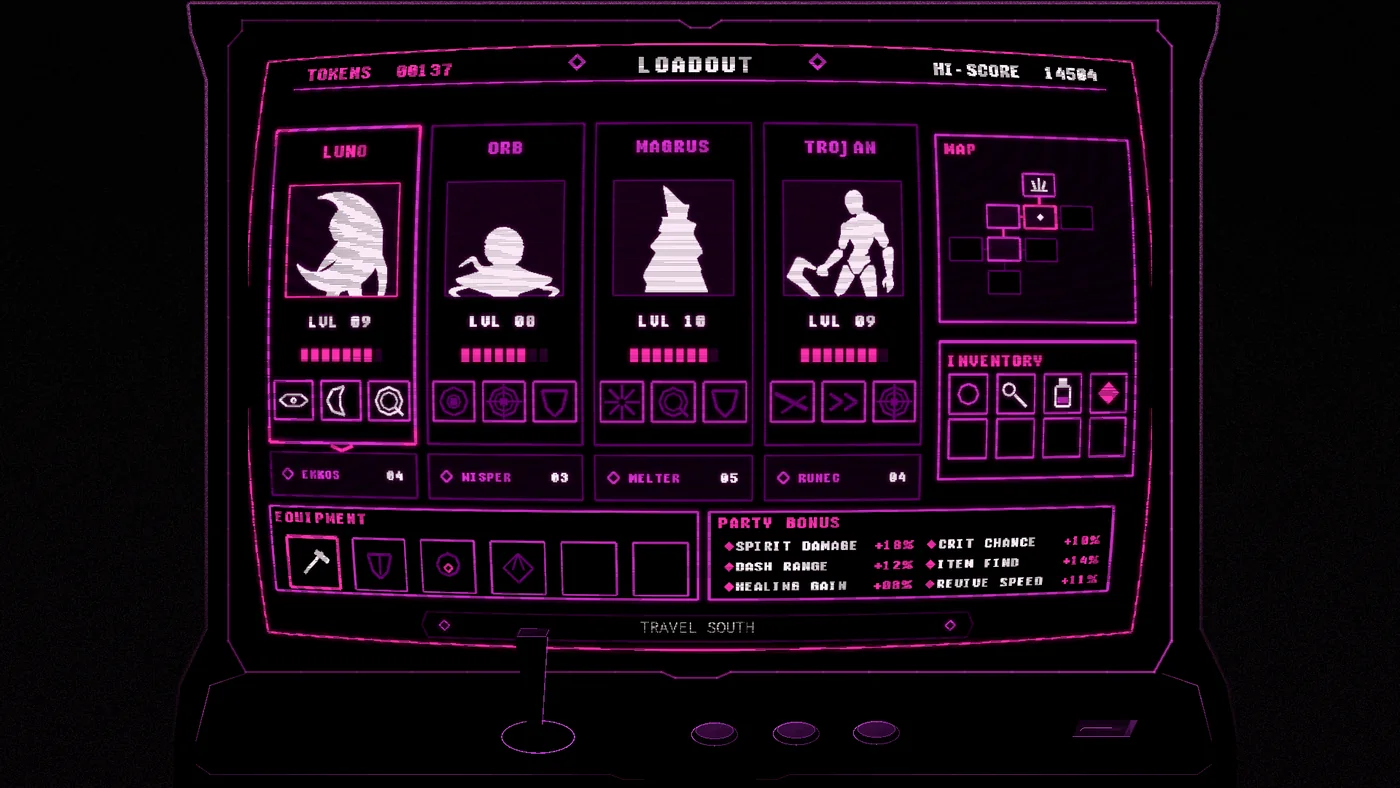
I first showed bithunters as a multiplayer 2D action game where up to four players controlled personified computer programs. I've transformed that old idea into a single-player turn-based adventure. I'm going for a more dynamic turn-based gameplay system, with incremental mechanics that build over the course of the game and a thematic storyline running through it.
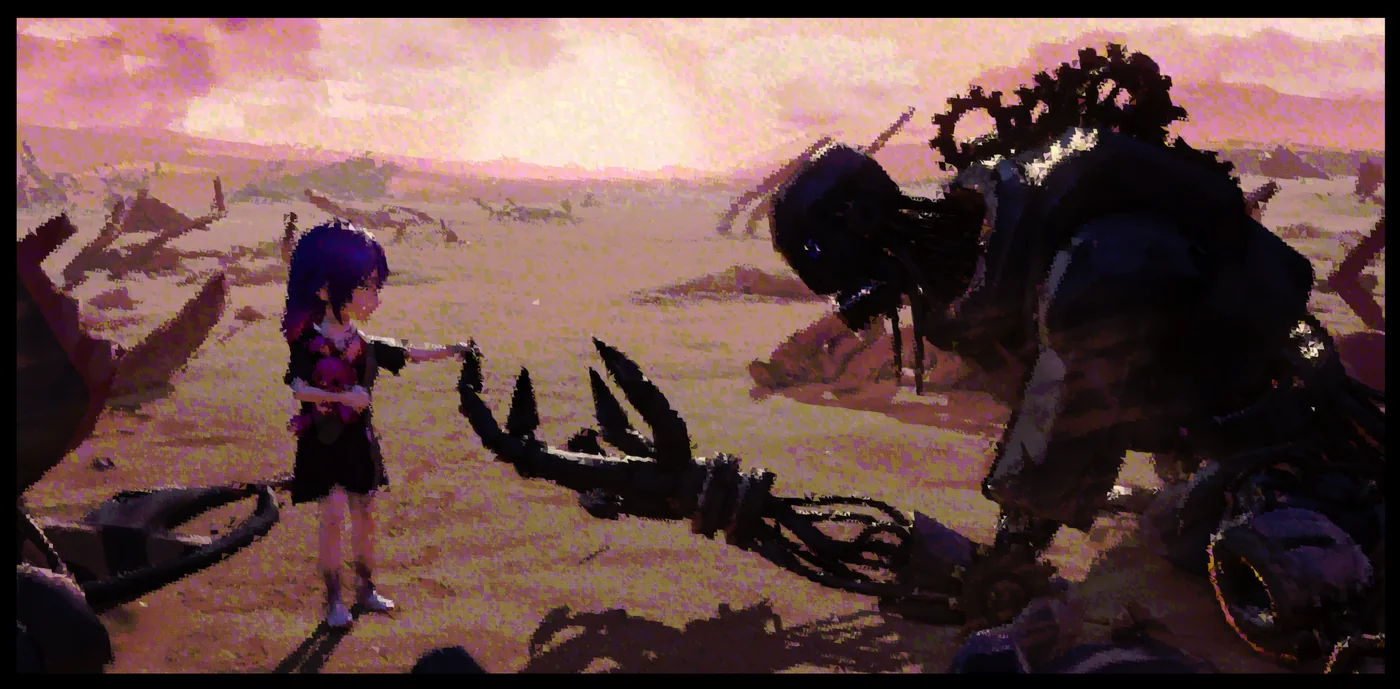
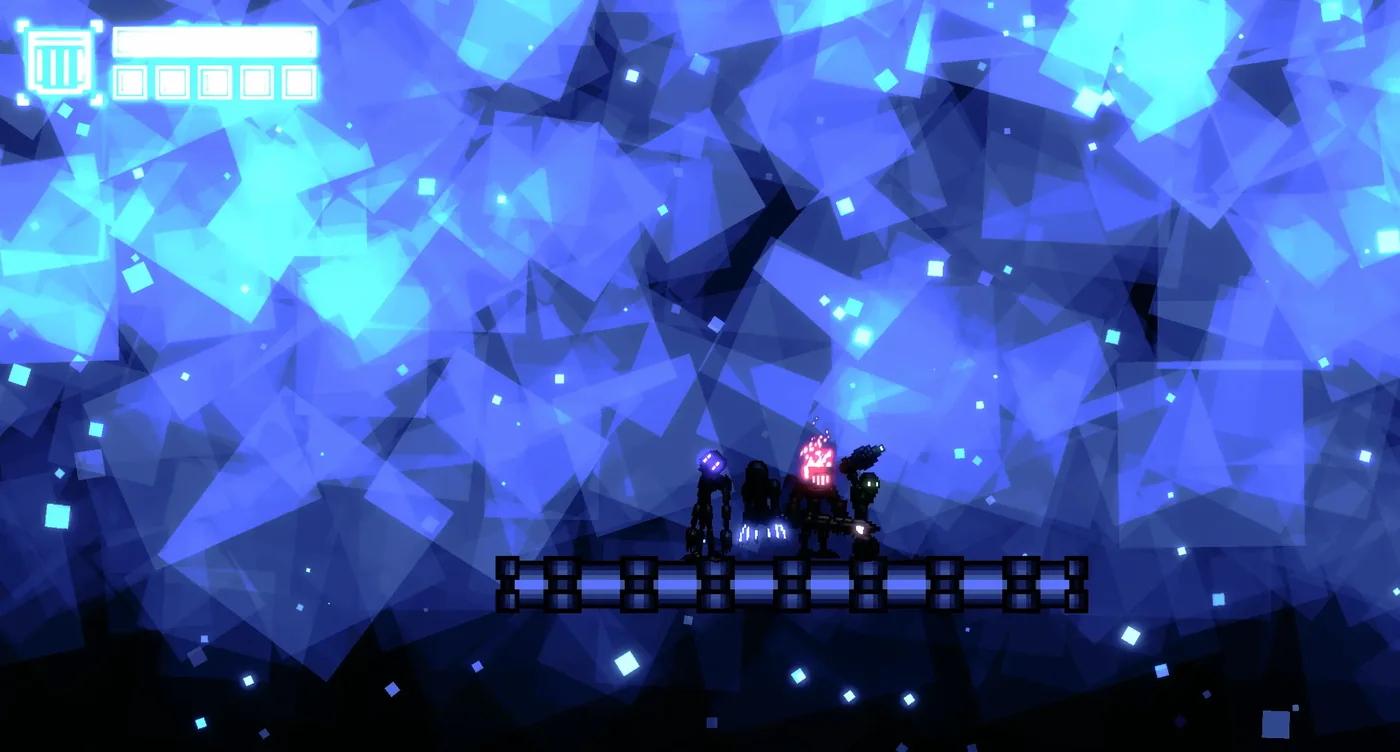
The whole game is presented through a damaged arcade machine, with a modern, distorted retro style built around strong colors, shifting palettes, and vector art. It isn't quite pixel art, but I still want it to carry the clarity and feeling of an older game.
The Steam pages for both games are finished and currently awaiting review. Right now I'm developing the demos. If I can get those small, complete versions working the way I want, I think they'll give me enough of each game's foundation to proceed with the rest of development. Quality is the priority over quantity, but we'll see quickly how this goes...
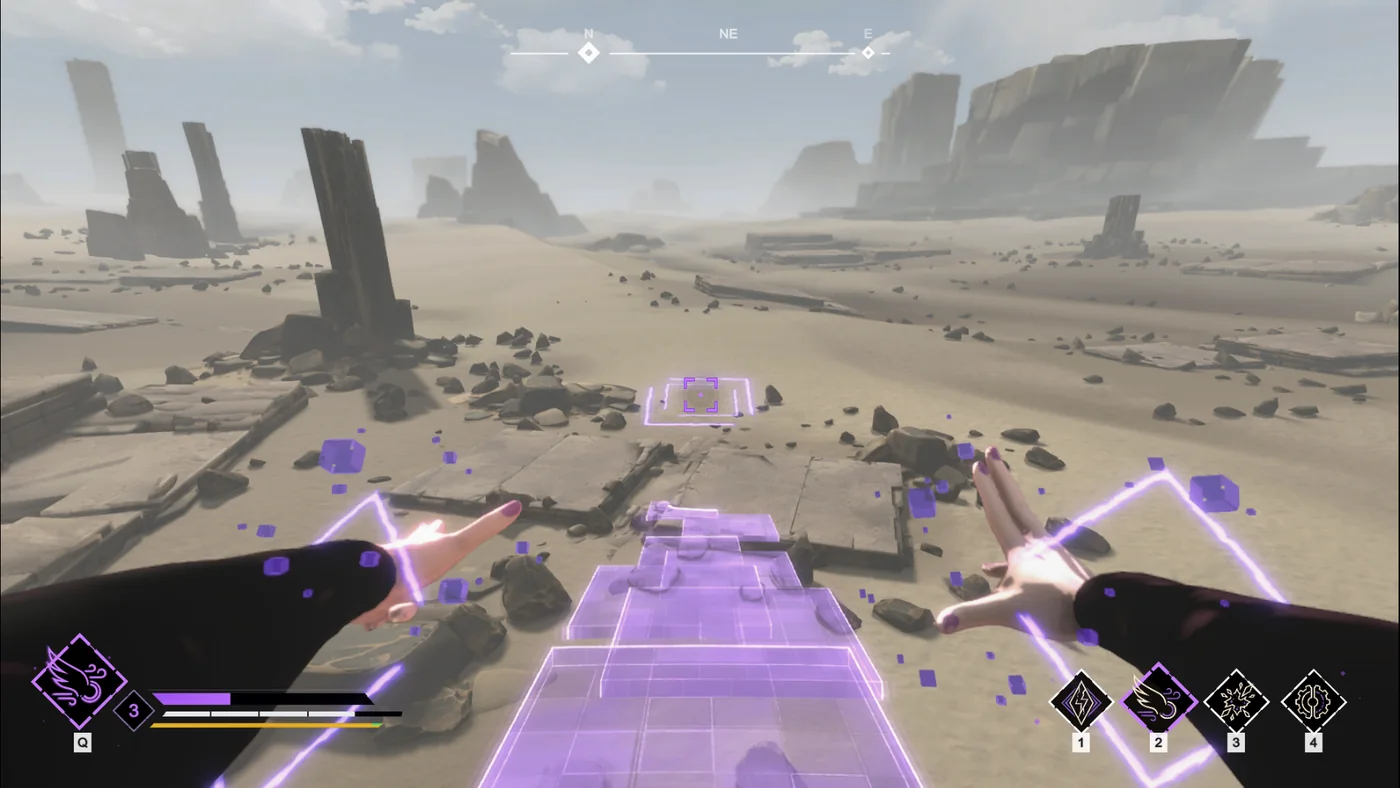
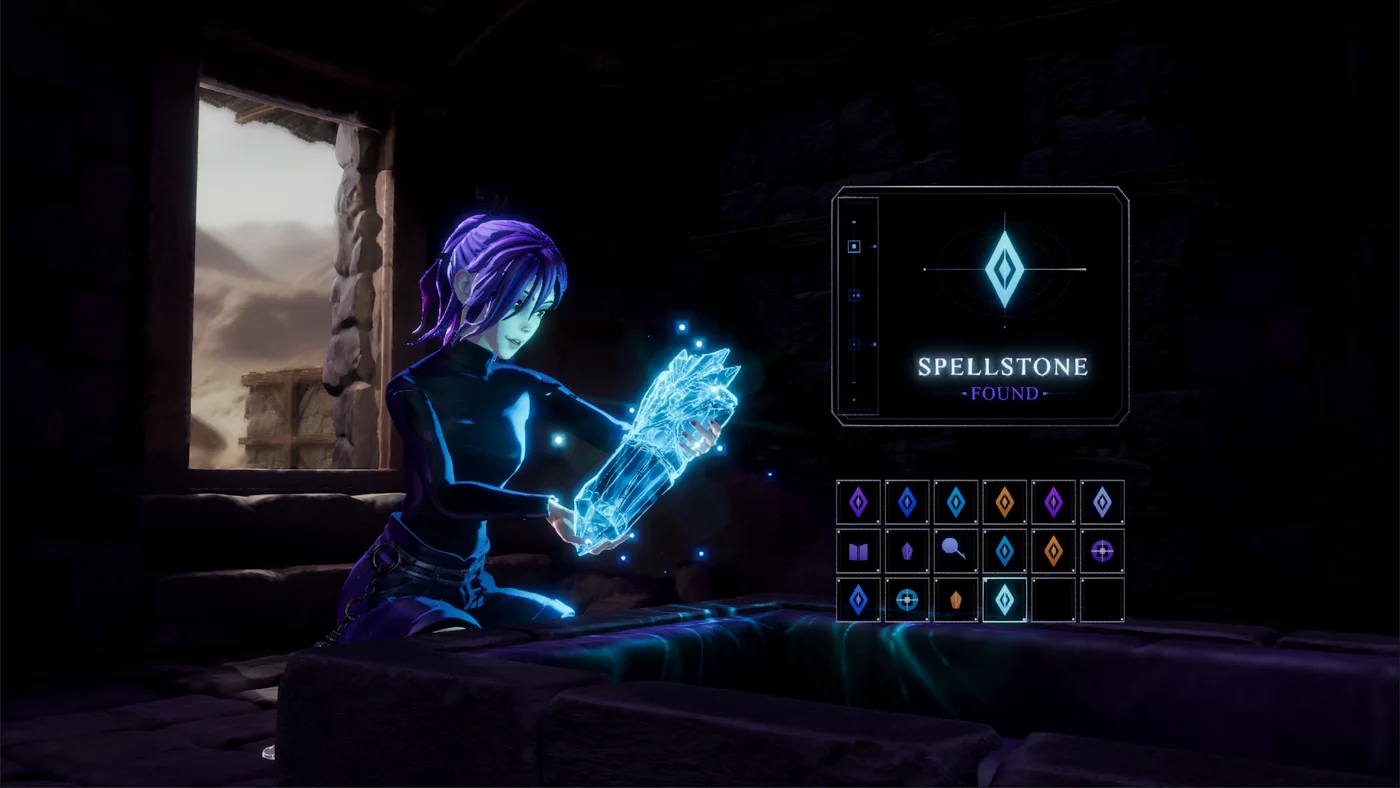
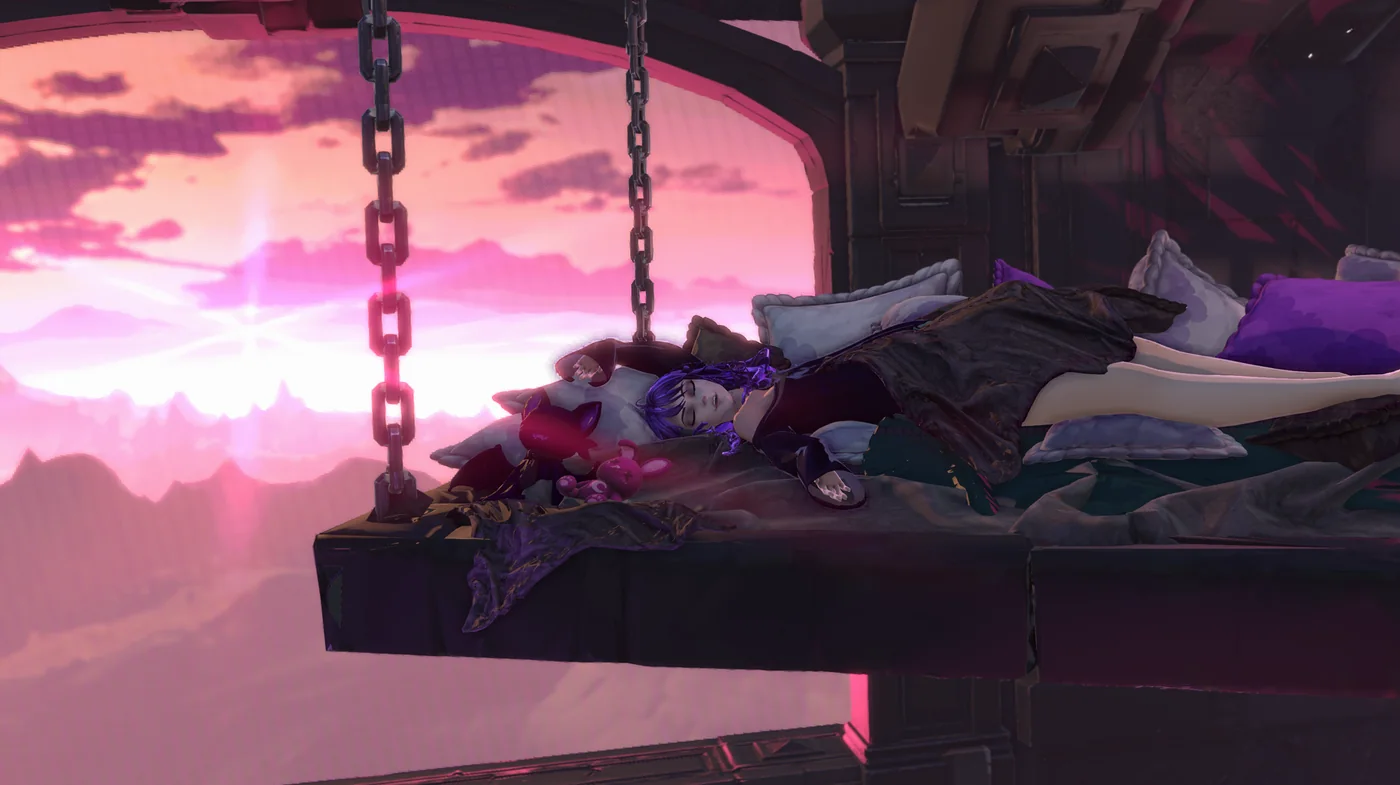
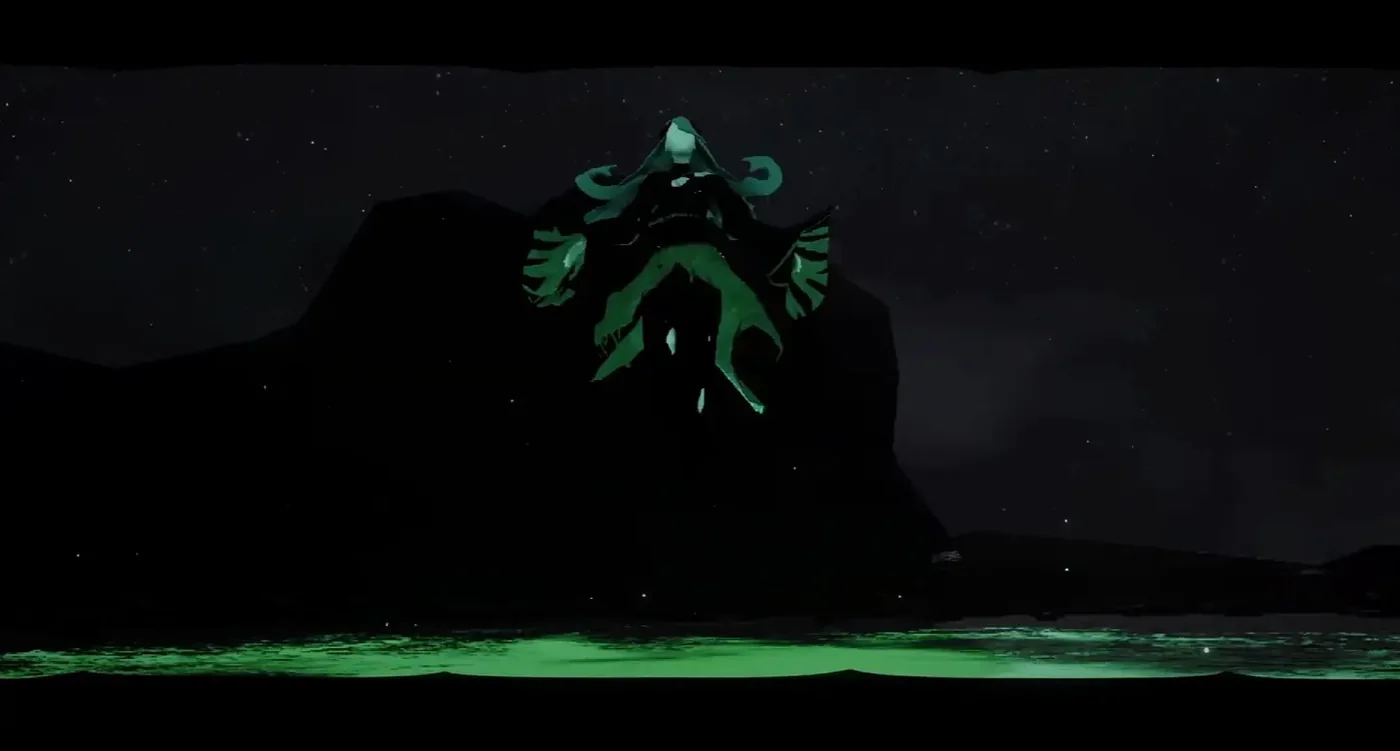
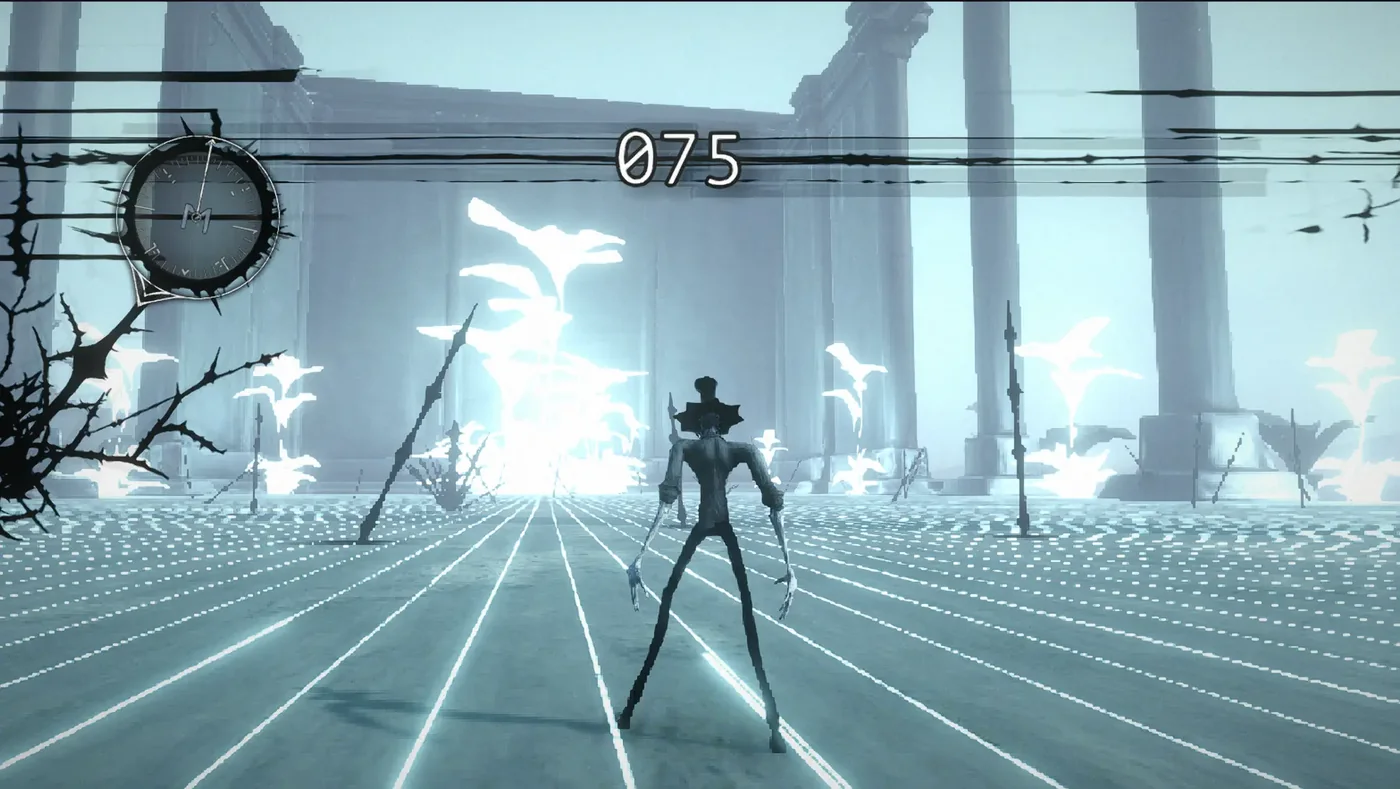
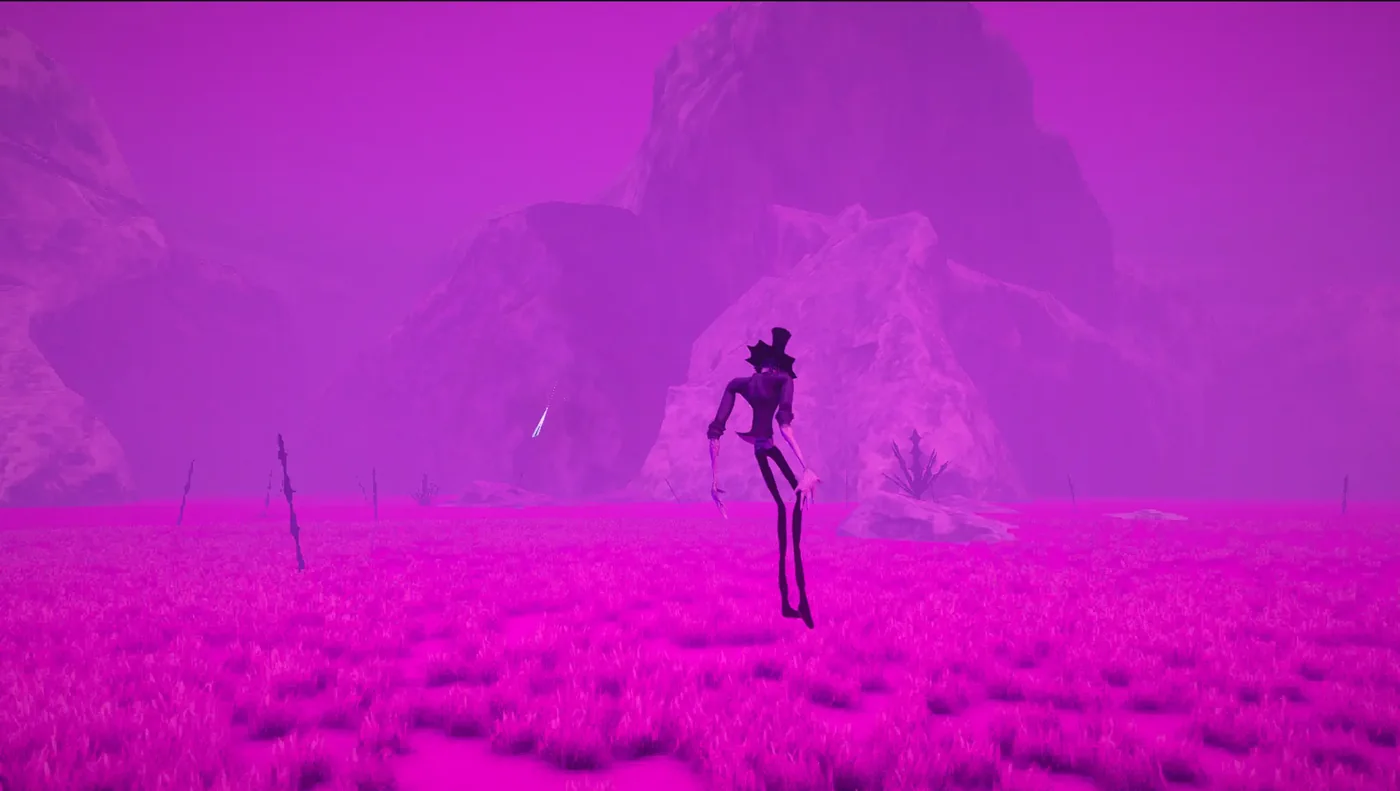
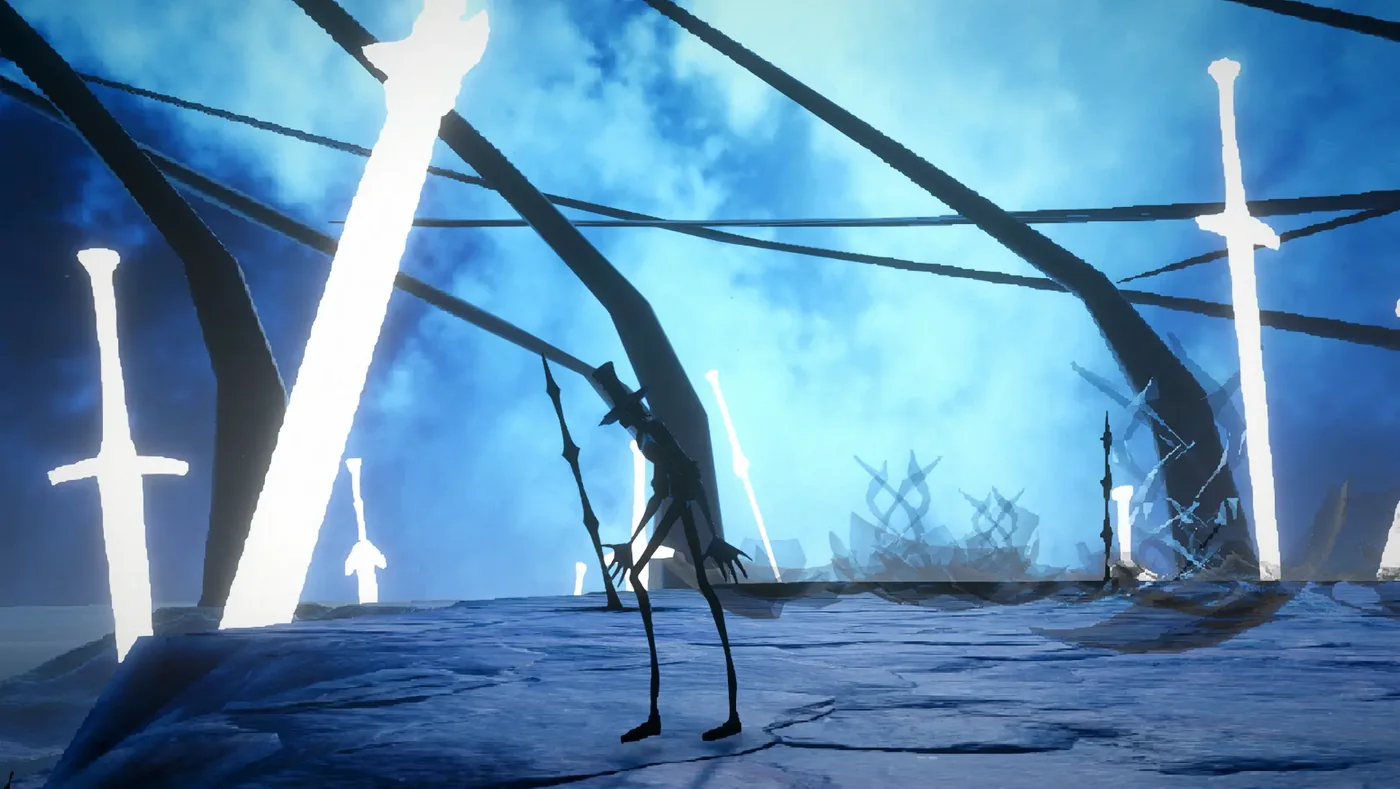
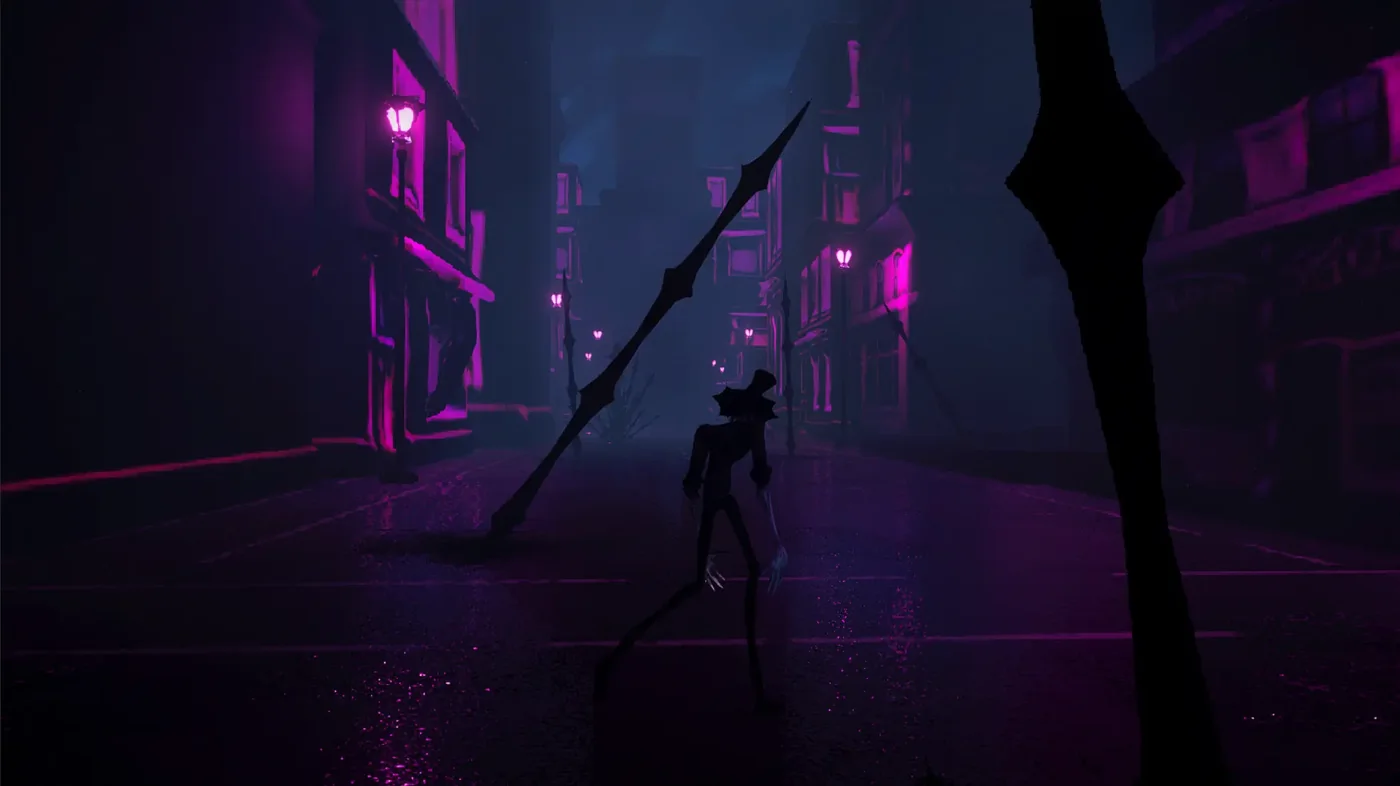
I've been doing look-dev on a new project for a few weeks, a new world/storyline unrelated to my previous stuff, about a sorceress who can "sweep" spells and magical artifacts to make them more powerful and usable.
While developing these segments, i've been setting up a new project development process that allows me to work faster and more intuitively, using custom tools for small productivity boosts, rather than for asset generation, which I only had limited success with on Sidereal.
AI has been very helpful for quick concepting and tool building with its ability to code so fast, but from a human-judgment perspective it is still basically useless. The asset-generation tools still tend to look too generic, so they can really only be used as a starting point, and they always require a concept image or idea that I make first by hand to get the details right.
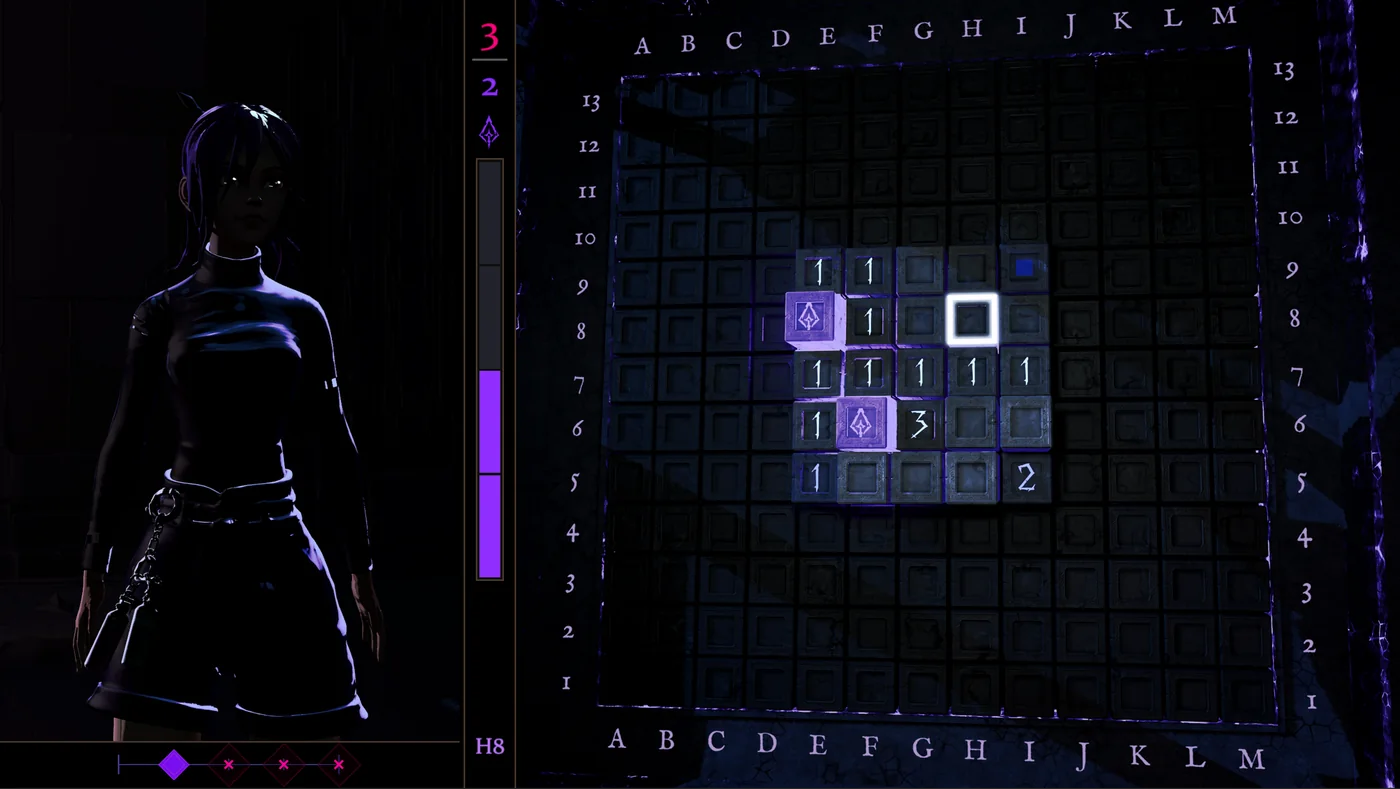
The gameplay is going to be a sort of Minesweeper-style resource management puzzle game. So far the core mechanics are essentially Minesweeper rules, a game I've played quite a lot, but with much more visual interest and some unique mechanics that make the game more interesting while keeping the core simplicity of the original idea.
One of the things that always frustrated me about Minesweeper is the unwinnable scenario where the next move is essentially a guess, so I've designed mechanics that can keep the stakes high while giving more tools to the player for figuring out the board.
I've also designed some hazardous new mechanics that make the game more challenging, so I'm trying to get the balance right in terms of player agency against harder difficulty levels, while also trying to make the core gameplay less repetitive.
I should have the Steam page up in a week or so, and I'm hoping to get the demo finished in a couple months before the Steam Next Fest. I don't expect the game to be that intense in terms of story, but I'll probably do some story stuff anyway, since I always end up focusing on that.
Ideally I would come up with some story mechanics or ideas that don't distract from the main gameplay, but make the experience more exciting and meaningful.
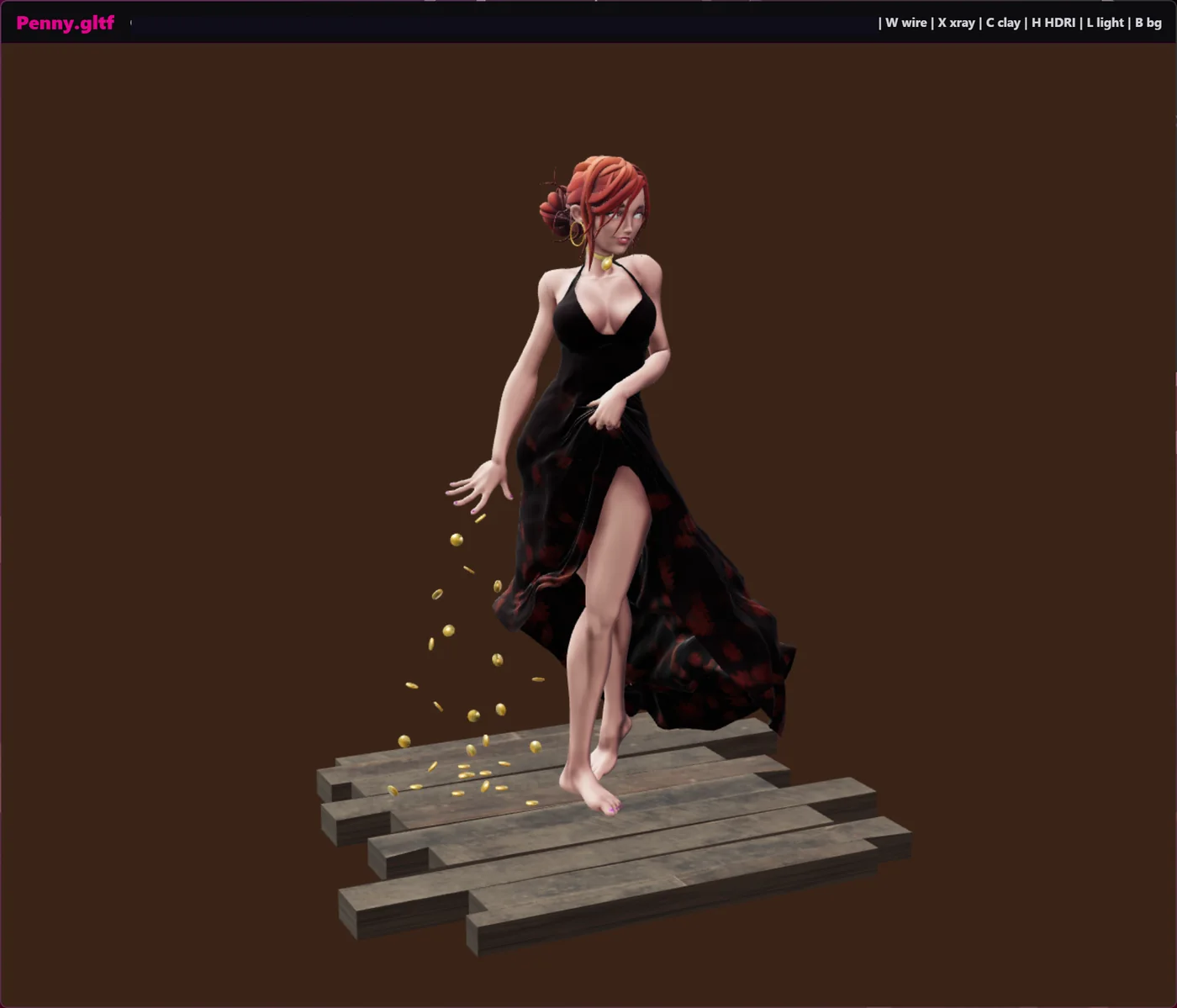
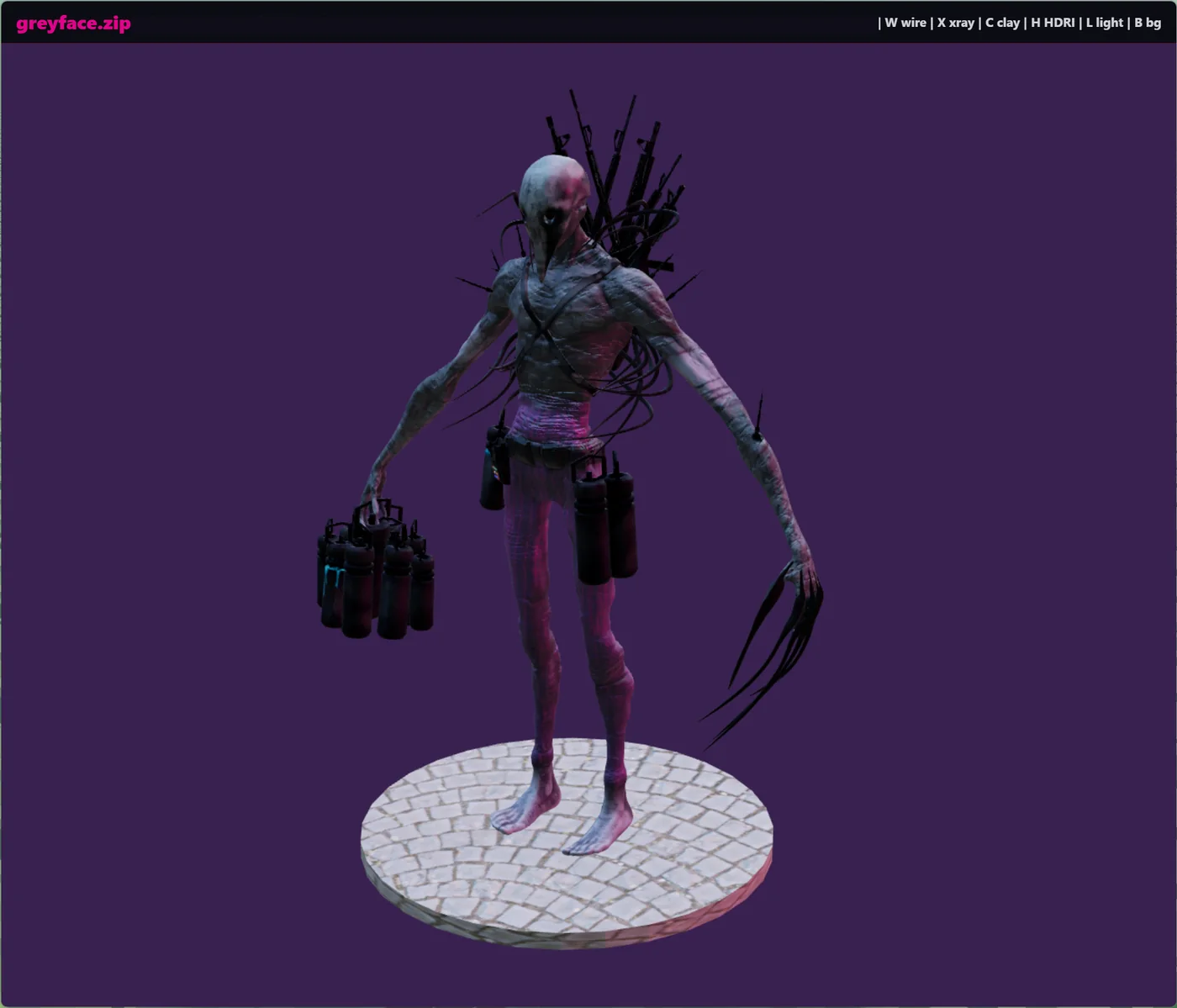
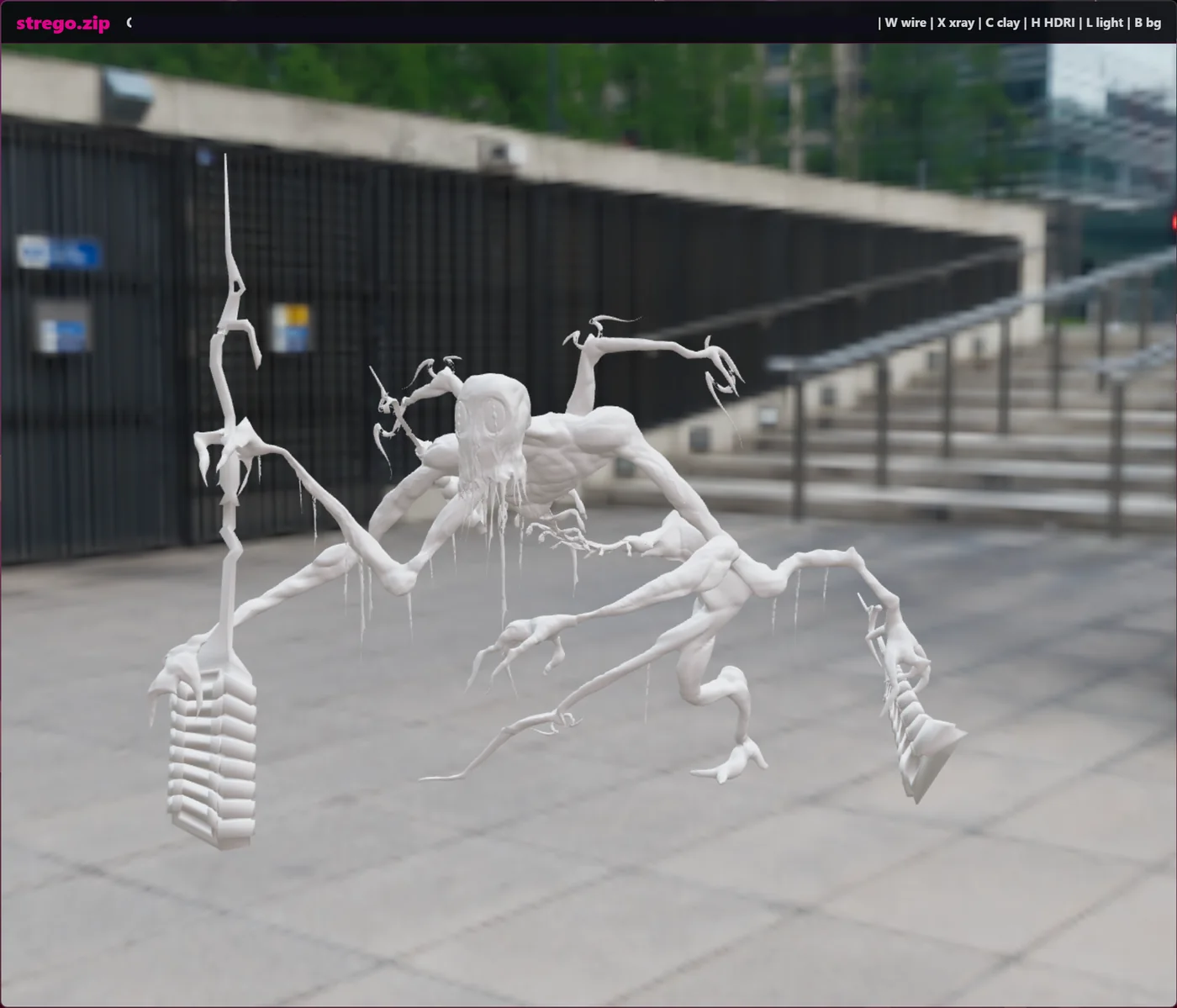
I put together a small 3D viewer because I wanted a faster way to check models without opening Blender, Unity, or a heavier asset tool every time.
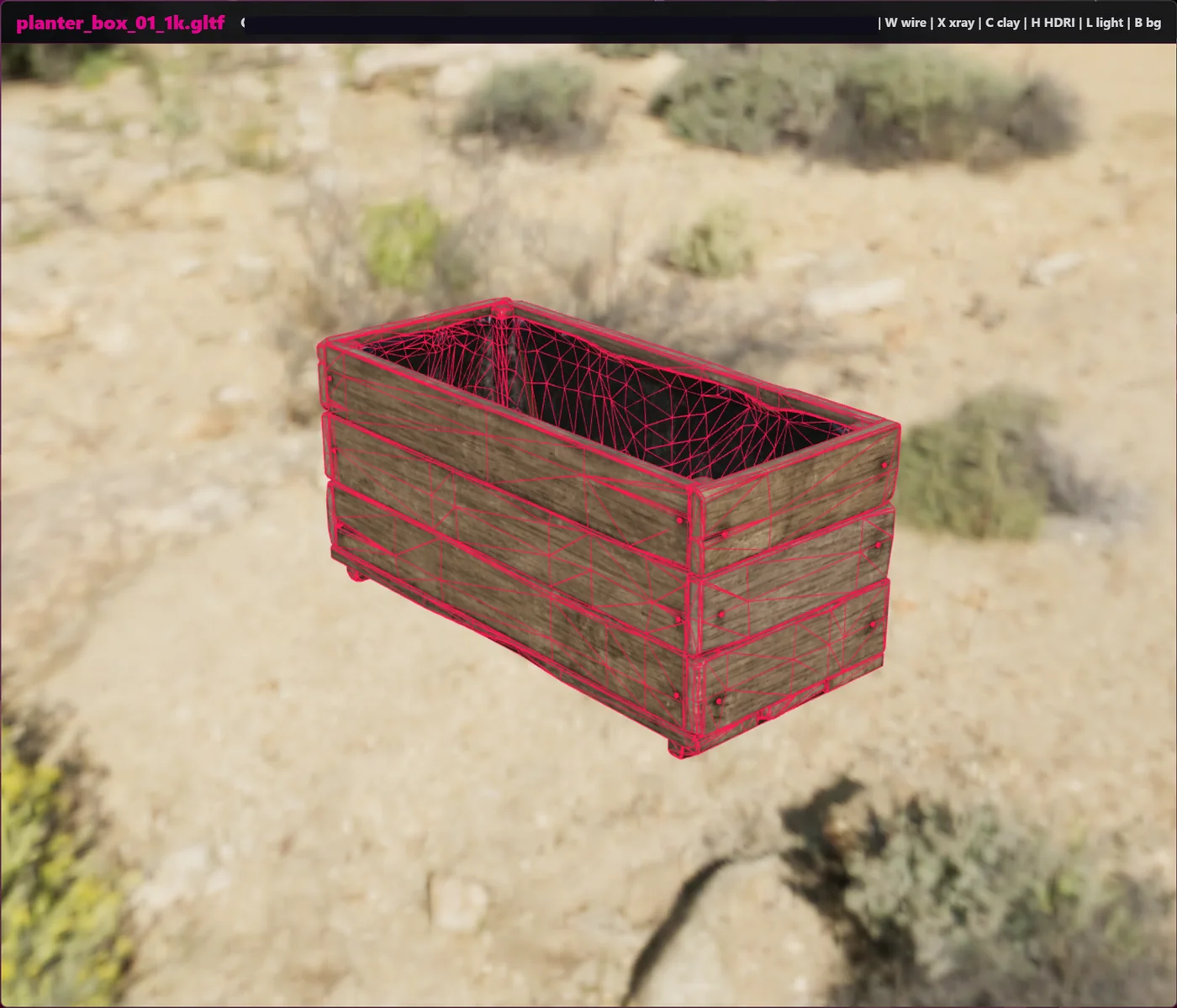
The main use is simple: open a .glb, .gltf, .fbx, or zipped model, move around it, look at the texture with point lighting or HDRI lighting against different backgrounds, look at the topology with texture, no material, or wireframe, and decide what to do with it next. It doesn't replace any of my main 3D workflows in Blender or Substance, it's just a quick inspection window that can work with some of my automated scripts for 3D asset work in general.
I also published a public version on GitHub. My own local version has some more particular processing features for my workflow, but the public one is focused on the viewer itself. It keeps the useful core: fast model loading, camera controls, HDRI switching, basic lighting modes, clay mode, wireframe mode, and a Windows right-click entry for files like .glb, .gltf, .fbx, and ZIP files containing glTF or GLB models.
One thing I wanted was quick environment testing. The viewer can swap through HDRIs, so I can see how a model reads in different lighting scenarios without setting up a whole scene. That has been useful for catching material problems quickly, especially when a model looks fine in one lighting setup but falls apart in another.
The lighting, clay, and wireframe tools are there for the same reason. Sometimes I just want to see the model shape clearly. Sometimes I want to check the texture and material response. Sometimes I want to see the topology over the surface and get a rough idea of whether the mesh is clean enough to keep using.
There are still some small rendering issues with certain high-poly meshes, so it is not a finished or perfect viewer. But for the job I made it for, it has already been useful: quick 3D viewing, quick lighting checks, and checking topology quickly. The main point is for it to sit inside automated workflows as a quick check before an asset moves to the next step.
I've been putting together a new Unity development environment that I am calling The Maze. It is basically a playground for keeping my game-dev experiments in one place instead of splitting every idea into a separate project.
Right now, this version is mostly about getting 3D rendering into a strong place. So far I've made custom Unity render pipeline features for planar reflections, screen-space reflections, procedural clouds, cloud shadows, water, volumetric fog, lighting, sun rays, shaders, and a custom post-processing setup. I will probably open source some of the individual graphics features later once they are refined enough for other people to use outside my own setup.
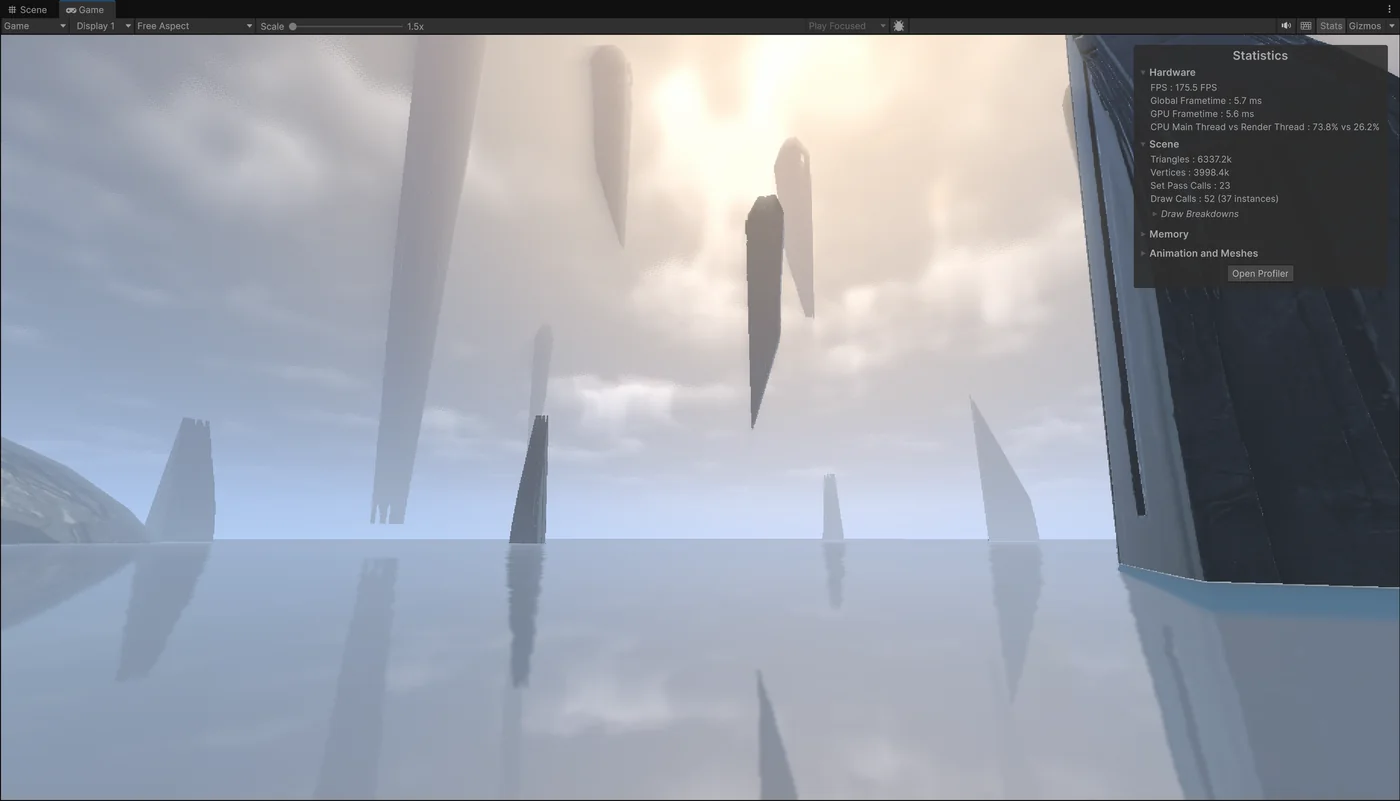
In this screenshot, the scene is running at about 175 FPS while drawing about 6.34 million triangles, with a GPU frame time around 5.6 ms. There are only 52 draw calls and 23 set pass calls since there is not a full environment here yet, so those numbers do not mean the whole thing is optimized, but it is already a good sign for the kind of scenes I want to build.
The Maze gives me a place to experiment and prototype quickly within Unity, with different input modalities and rendering styles, without creating a bunch of new projects. The goal is to find interesting gameplay systems, tools, playable slices, environments, animation setups, and other experiments, then combine the strongest parts into final projects later.
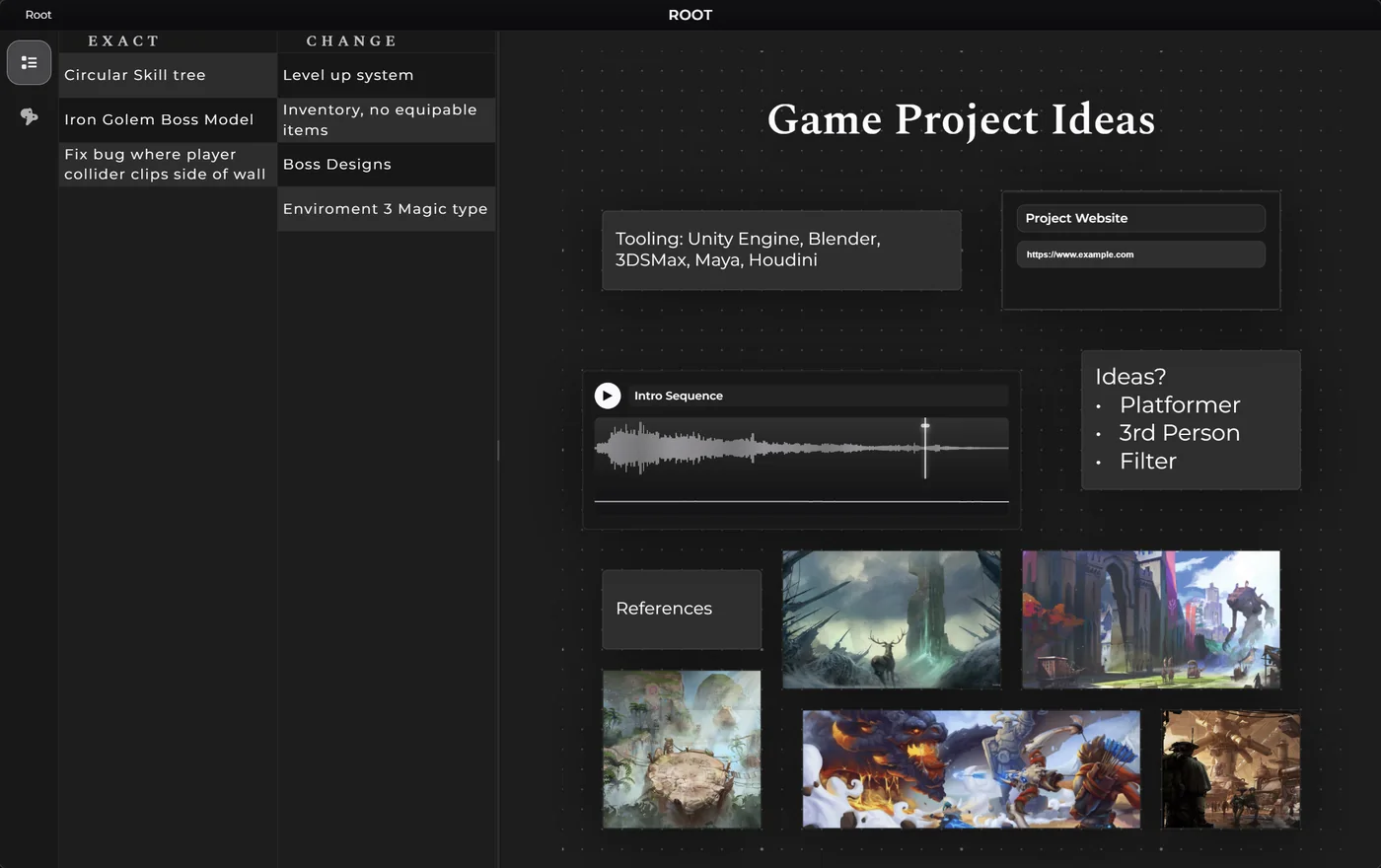
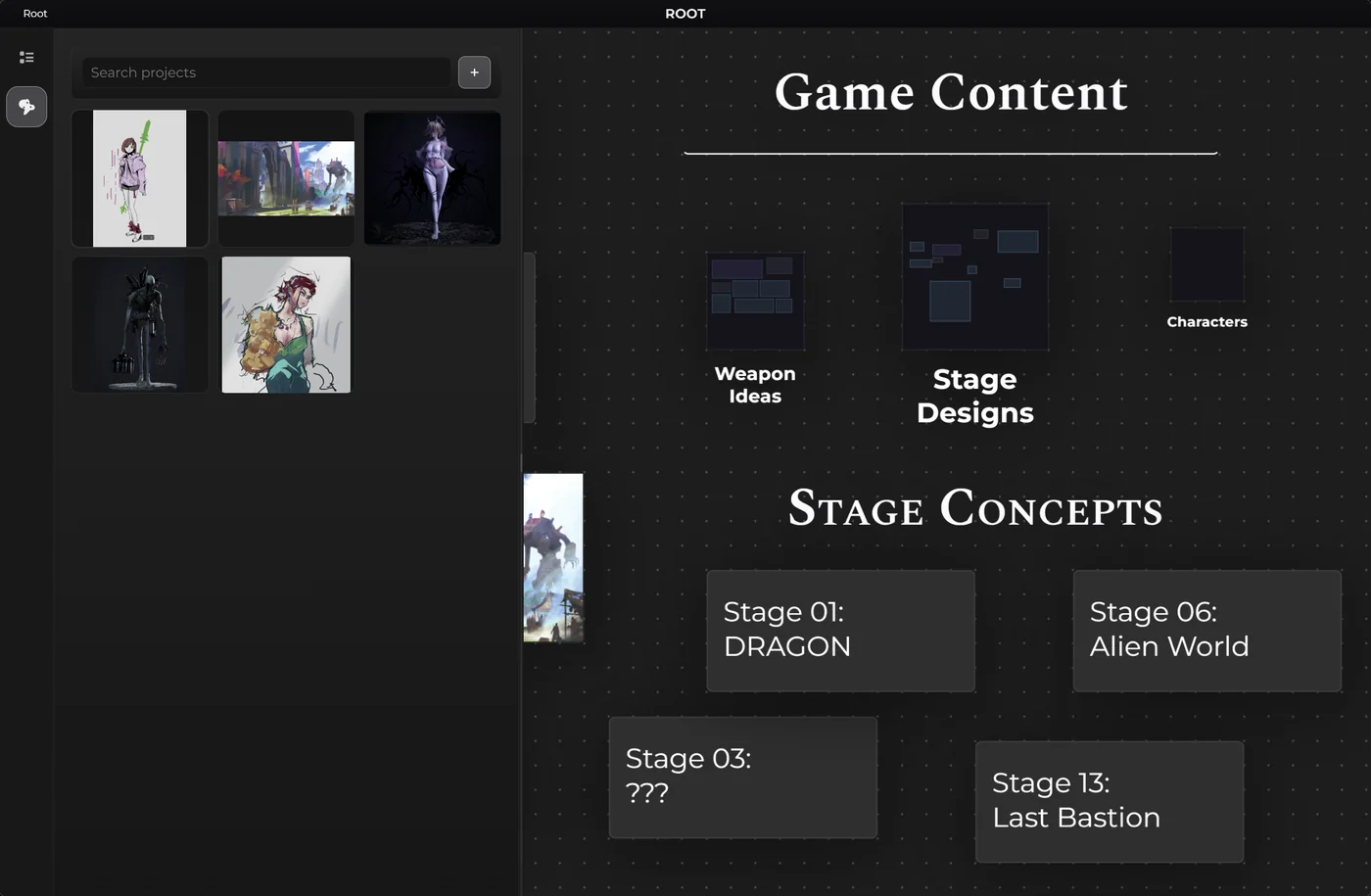
I put together a public version of my Workboard app, which I am calling Board Studio. I built it pretty quickly over a few days, using newer AI coding tools as part of the process. Stuff like this only really works well if I understand the software deeply enough to guide it properly. If I let it make too many design decisions on its own, it gets messy fast and I end up in the dark when something breaks. The upside is that once the structure is understood properly, it becomes very fast for me to add custom features, hotkeys, and workflow improvements, which is a big part of why I prefer building tools like this for myself instead of relying entirely on commercial software.
It is a Windows Electron app for organizing ideas, references, project spaces, links, media, notes, and other bits of information in a way that actually feels useful instead of cluttered. I use this kind of thing constantly, so getting a clean standalone version out in public felt worth doing.
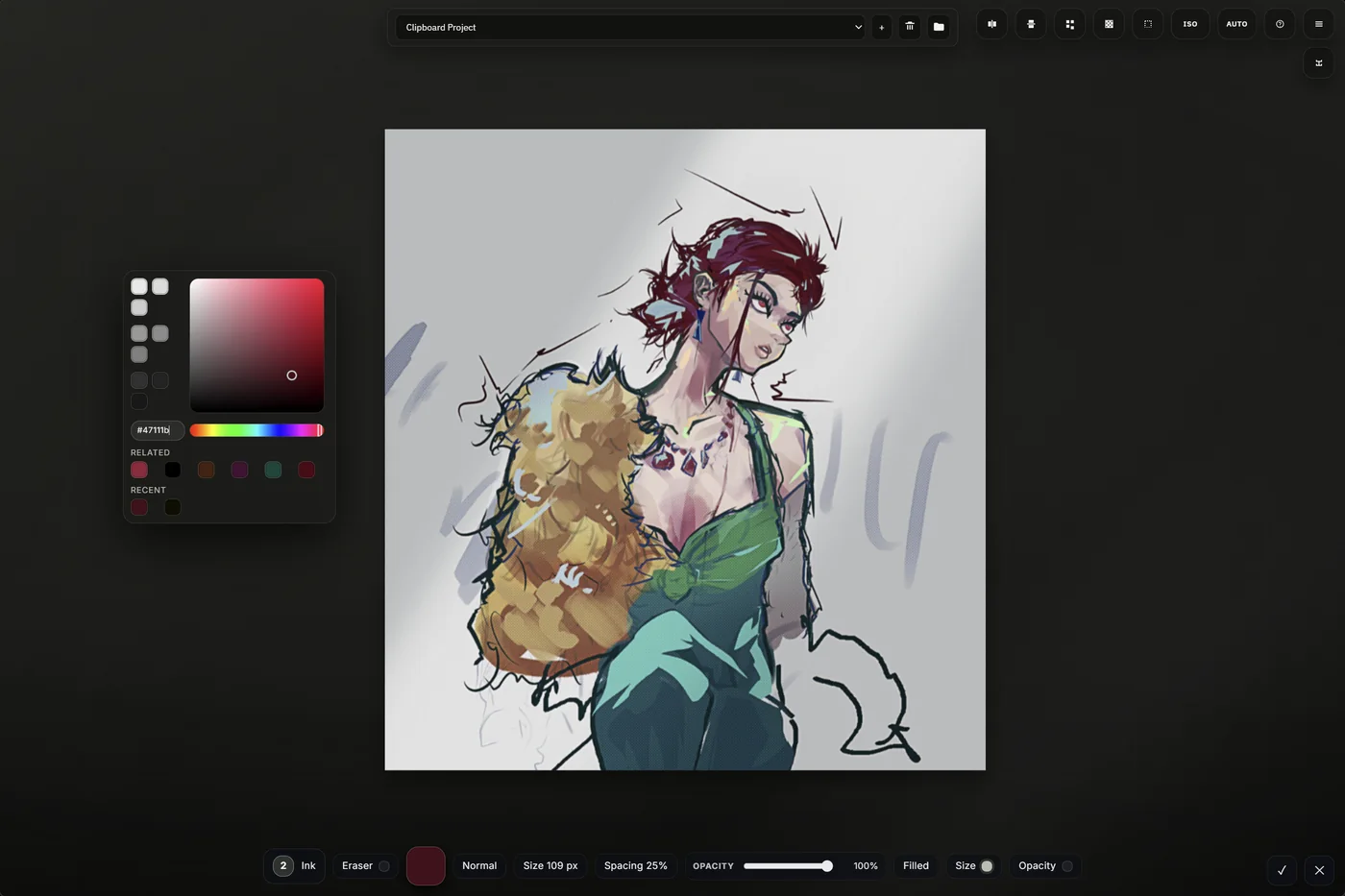
It also connects directly to a built-in paint system, so I can do quick concepting, edits, and even some basic placeholder sprite work without leaving the app. The GitHub version is posted as its own standalone base, so if anybody wants to use it as-is or build their own version from it, they can. In my own setup I also have it tied into AutoHotKey and some other workflow tools.
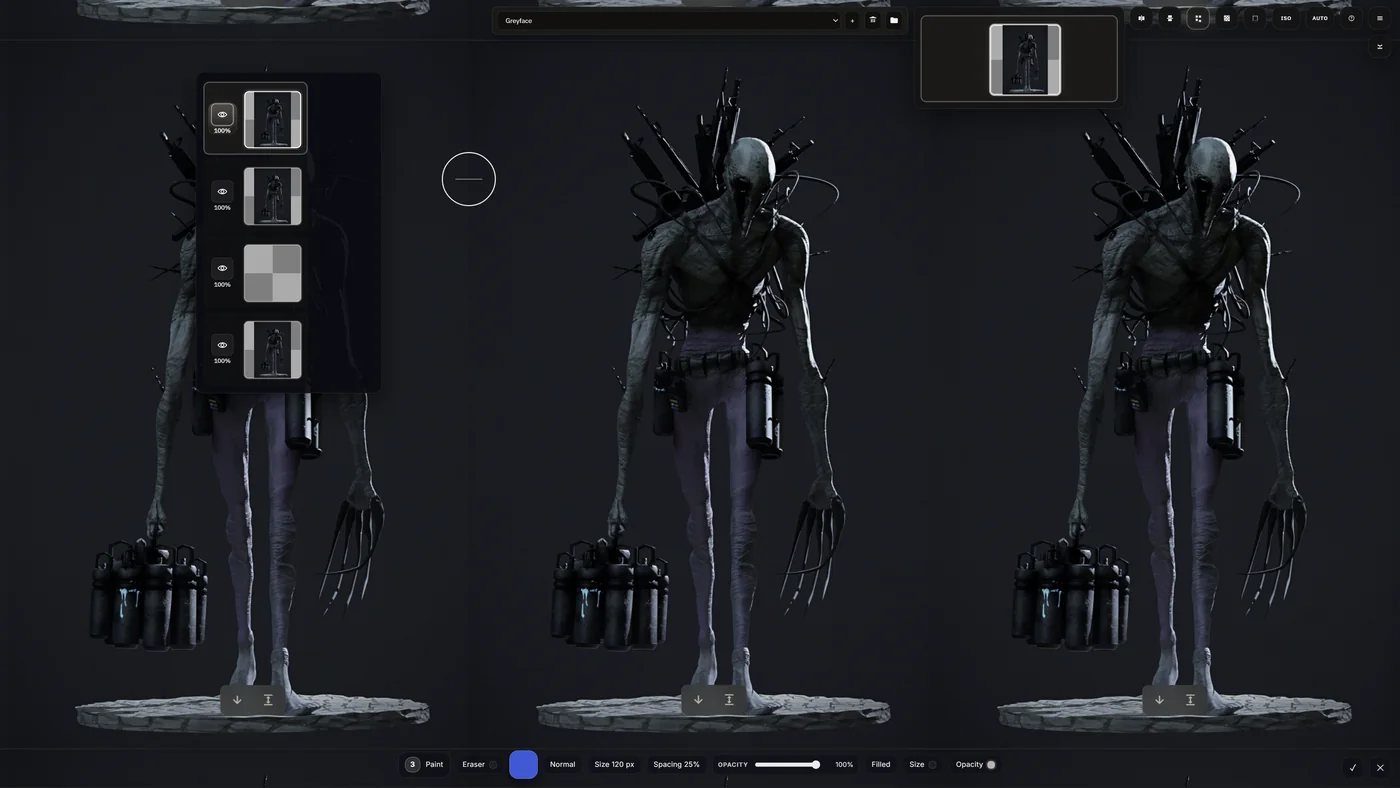
Paint Studio is built for rough concept work, thumbnails, storyboards, and simple animations, but it also has some stronger tools than that probably makes it sound. It has a full layer system, tiling, mirroring, quick adjustment processing, a good color selector, and a range of brushes including a stamp brush for repeating shapes and assets fast when blocking in contrast, value, and composition ideas.
In the second image you can also see the tiling setup, which lets me paint across the canvas bounds so tiled assets and repeating concepts read more correctly while I work. It also ties back into Board Studio so I can save individual assets as projects with multiple images, layers, and frames. There is also a Unity export path built into it, although I have not used that part enough yet to know where the bugs still are.
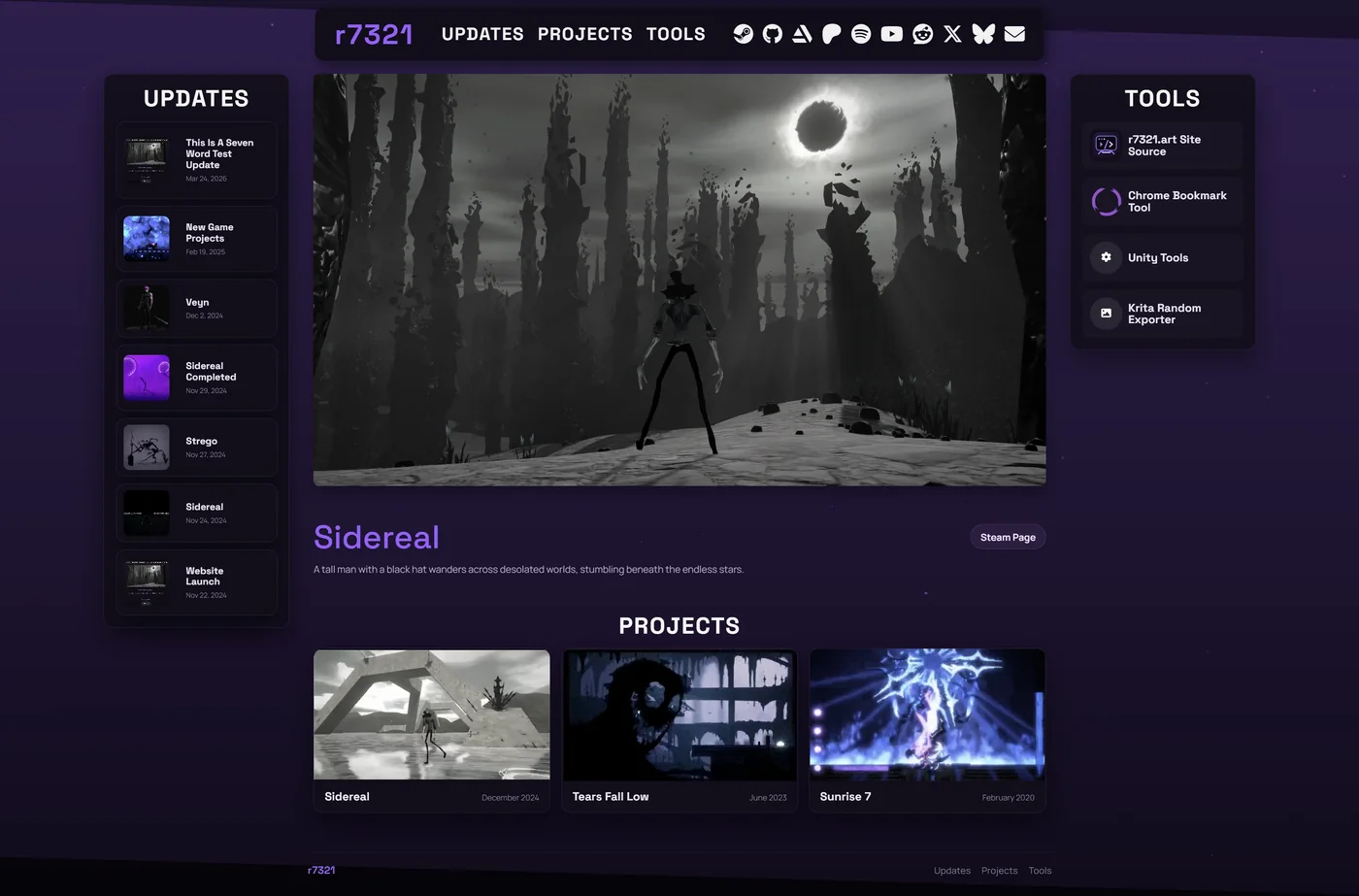
The website has been rebuilt and it is in a much better spot now.
Main goal was making it easier to extend and maintain, so adding new posts, tools, and other content going forward should be a lot cleaner. It also has a new tools section now, better graphics overall, and a structure that makes more sense than the previous version.
There are still things I will probably keep adjusting over time, but this version feels like a much better base to build on. It gives me a better place to organize the assets that I develop. The tools section will also be a place for freely available tools that anybody can use.
I've spent several weeks experimenting with game ideas, figuring out what my next main project should be. Still haven't fully decided on one, but I've made some progress on many different ideas. Here are the ones worth showing off.
bithunters
bithunters is a 2D platformer co-op action adventure game. Up to 4 players can control a personified representation of a futuristic computer program and battle virtual opponents together.
Three Potions
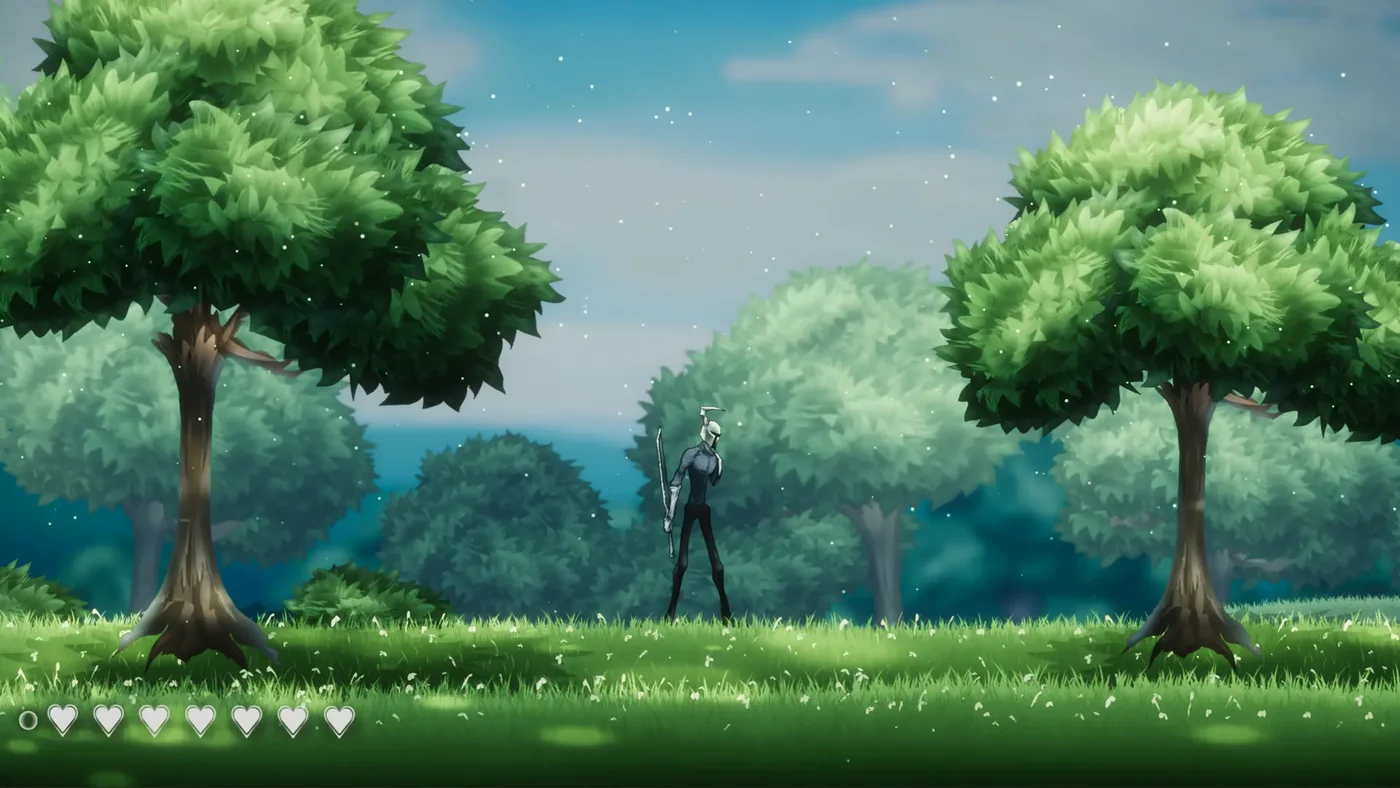
Three Potions is a 2D mission-based hack-and-slash action game, with limited resources and challenging boss fights. I've made the Steam page for this one public, you can check it out and wishlist it here:
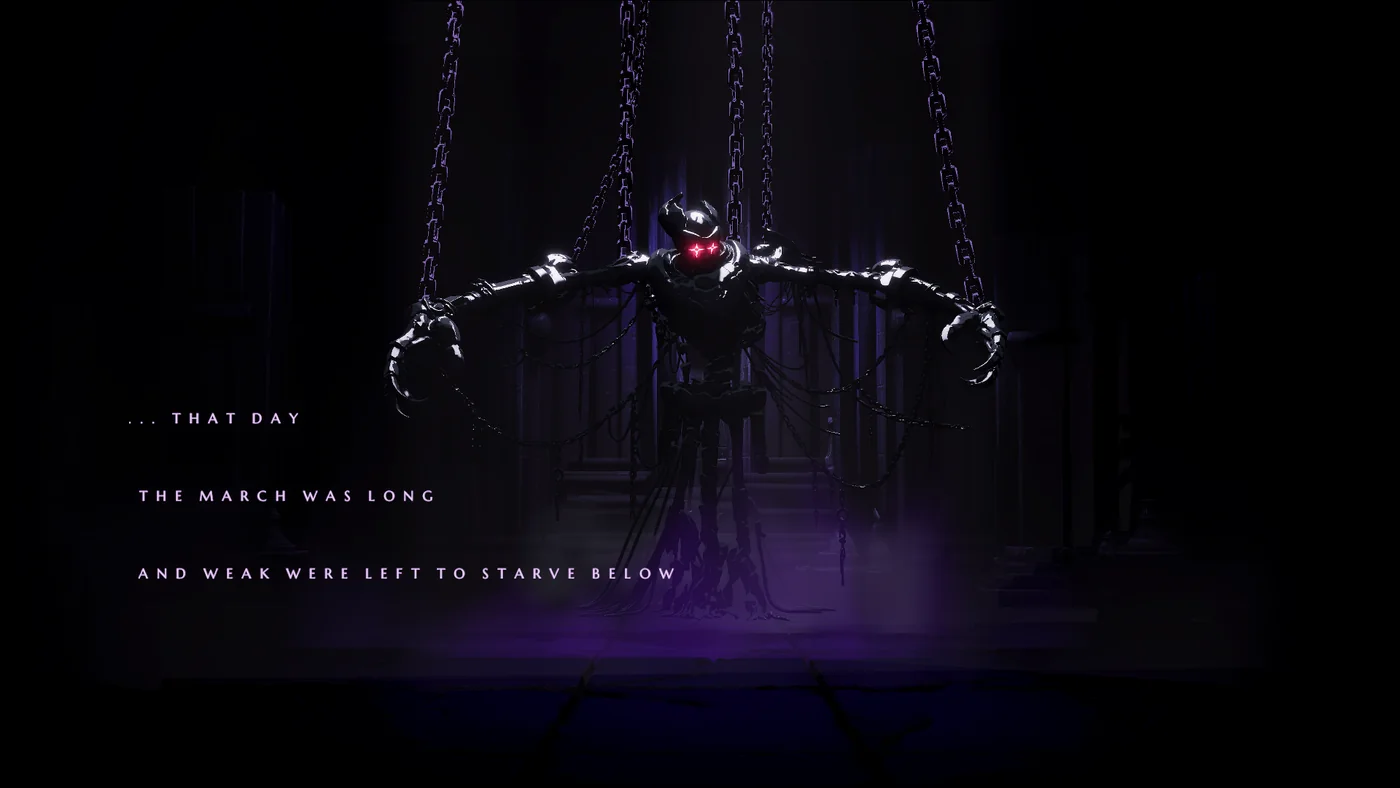
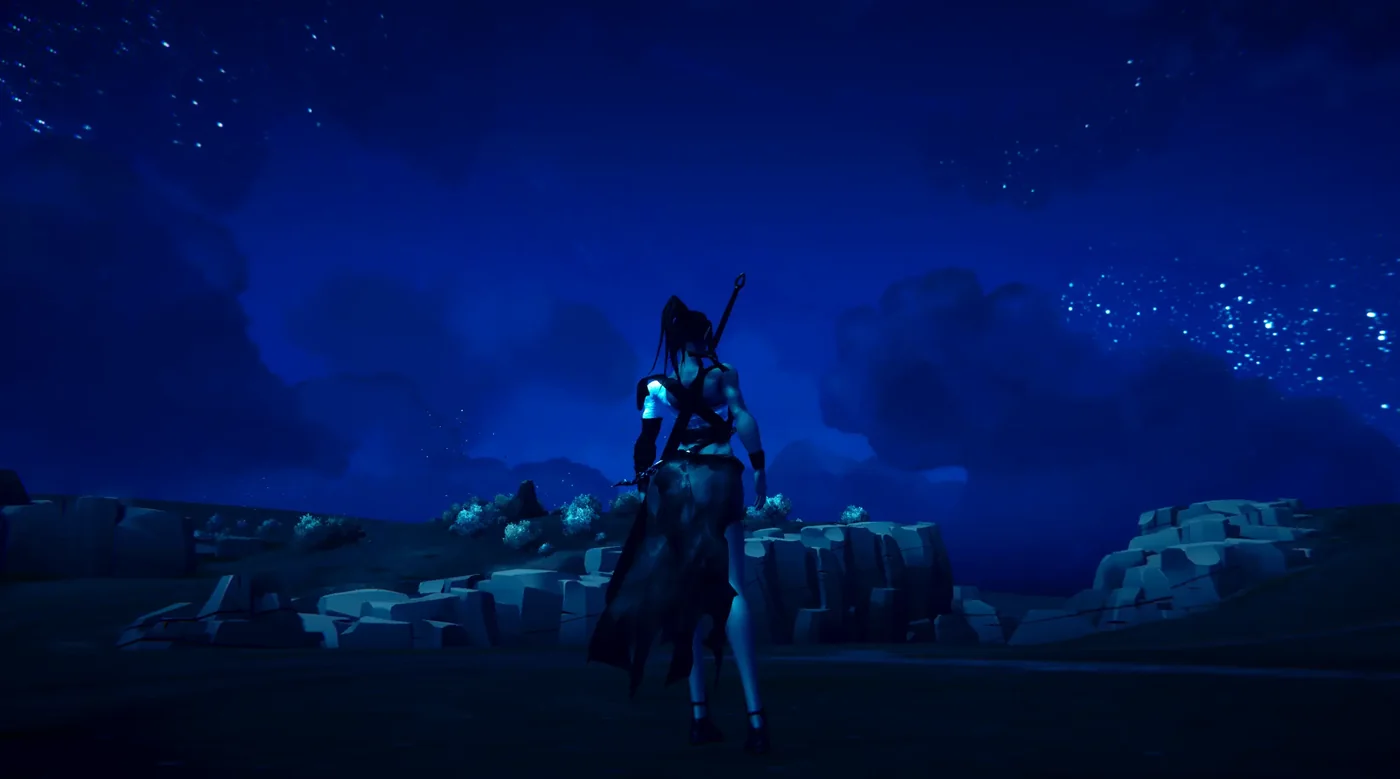
Castle Mournfall is a 3D adventure game, with real-time combat, open world exploration, and an interesting storyline. By far the most ambitious of all of these projects, but I'm confident in the ideas behind it.
The current plan is sacrifice project focus to maximize development progress. And it's working pretty well so far. Once a project gets close to completion I can sprint it to the finish line. This seems to be how I work best.
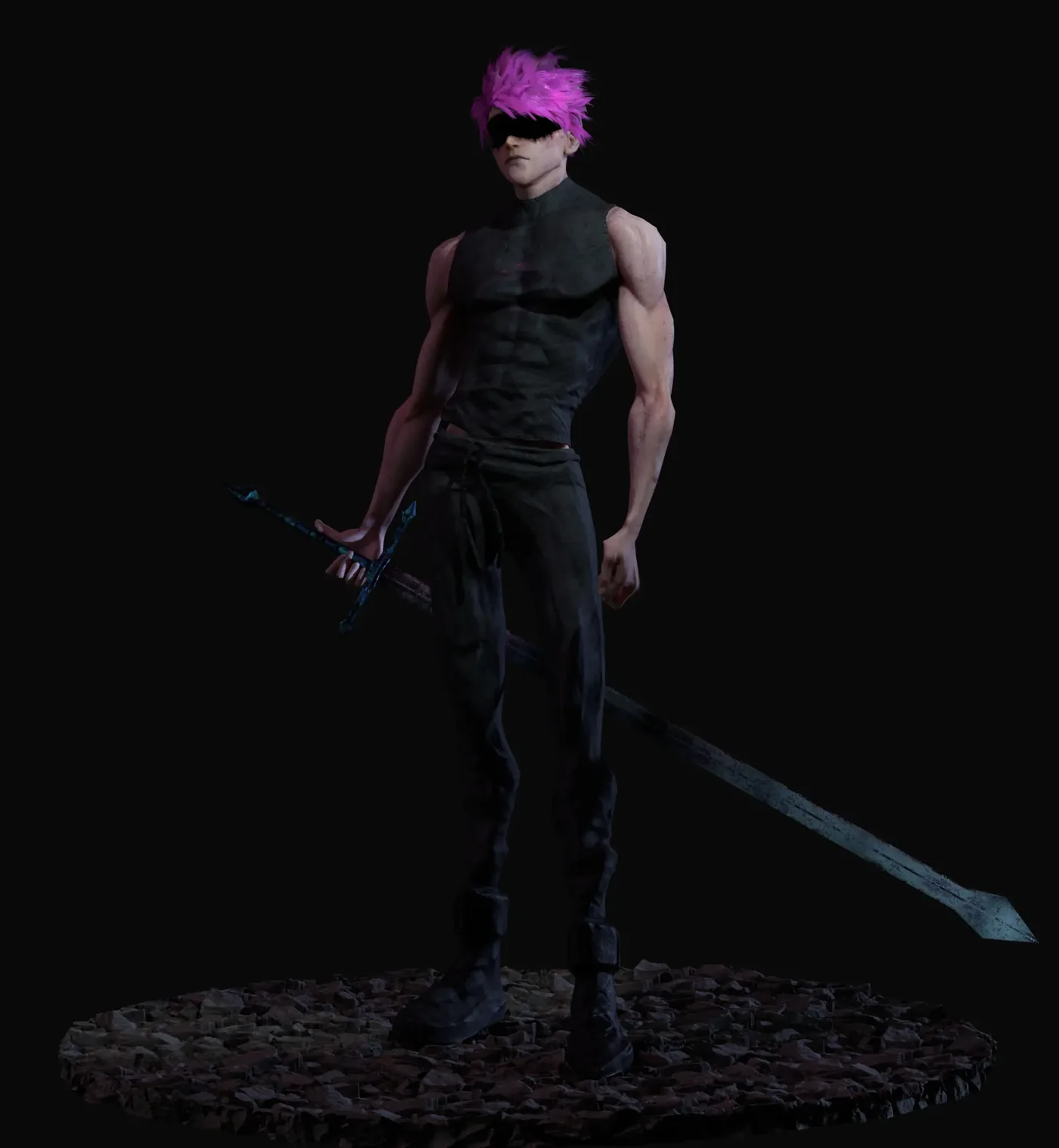
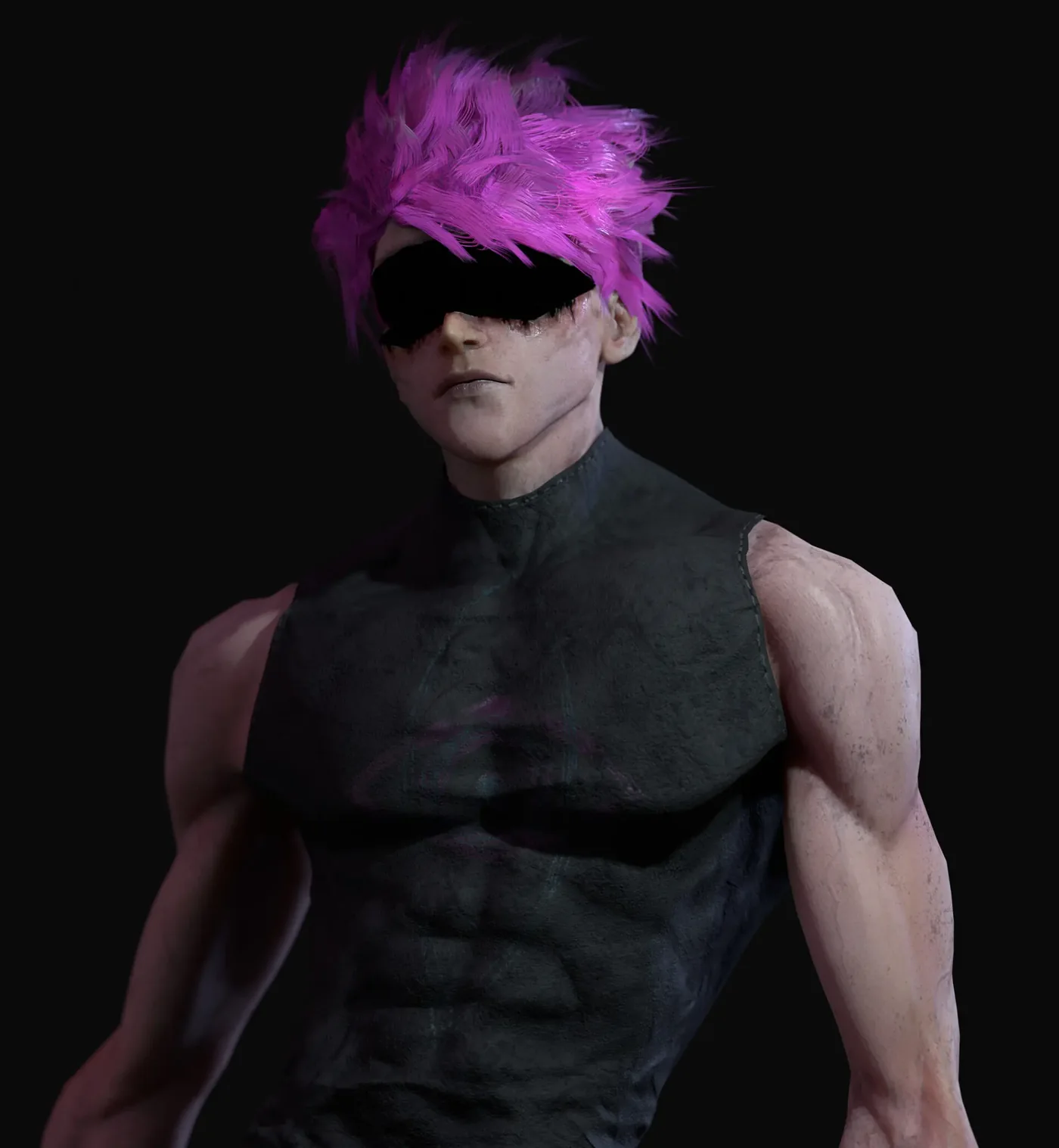
Made this character about a month or so ago, rigged and textured, 70k tris. Wanted to make a realistic real time character, based on a character design of my own for a future game.
Ended up looking pretty nice, but I got a little lazy with the pants and shoes. And the hair looks kinda flat.
This week was a lot of reorganizing and adjusting, along with finally wrapping up this game I've been working on for a little over a year. Going forward I intend to focus on smaller, higher quality games with shorter development times.
As my first released 3D game, and with a ton of content, Sidereal was originally meant to be primarily a learning experience, and it fulfilled that purpose pretty well.
After cutting a ton of potential content, Sidereal is completed and will be released on Steam for free once it is approved, which should be next week.
It's a walking-simulator exploration sandbox with a bunch of narrative ideas and environmental elements. I'm not even sure how long it would take to beat, but there is an ending.
The game has a lot of unique assets, including hundreds of unique item images and models, some of which I decided to use AI to speed up development time. Like I said last week, even if it saves time, using AI really sucks the fun and interest of whatever it is you're making.
Any interesting stuff still has to be done by hand, so in the future using it to fill small gaps and quick optimizations will be helpful, but pretty much anything contributing value or interest to the game I still have to make myself.
Learned a lot making this game, can't wait to apply everything I've learned for tighter, more interesting stories in the future.
But some things I envisioned a long time ago came together pretty well, and I hope people find them interesting.
That's the main project for this week, took up almost all my time. Completing and finalizing a game like this takes more than most people think. Lots more to come, though.
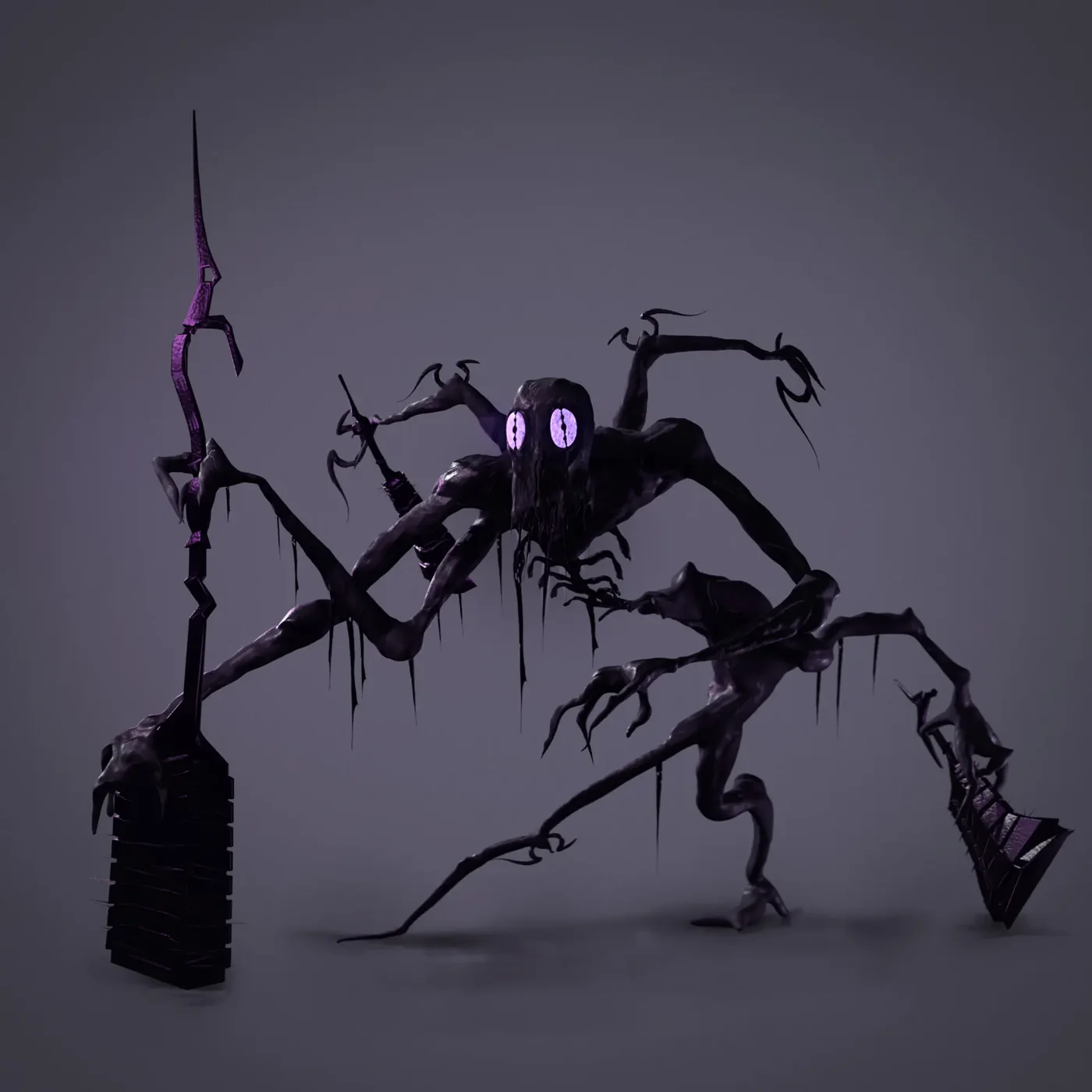
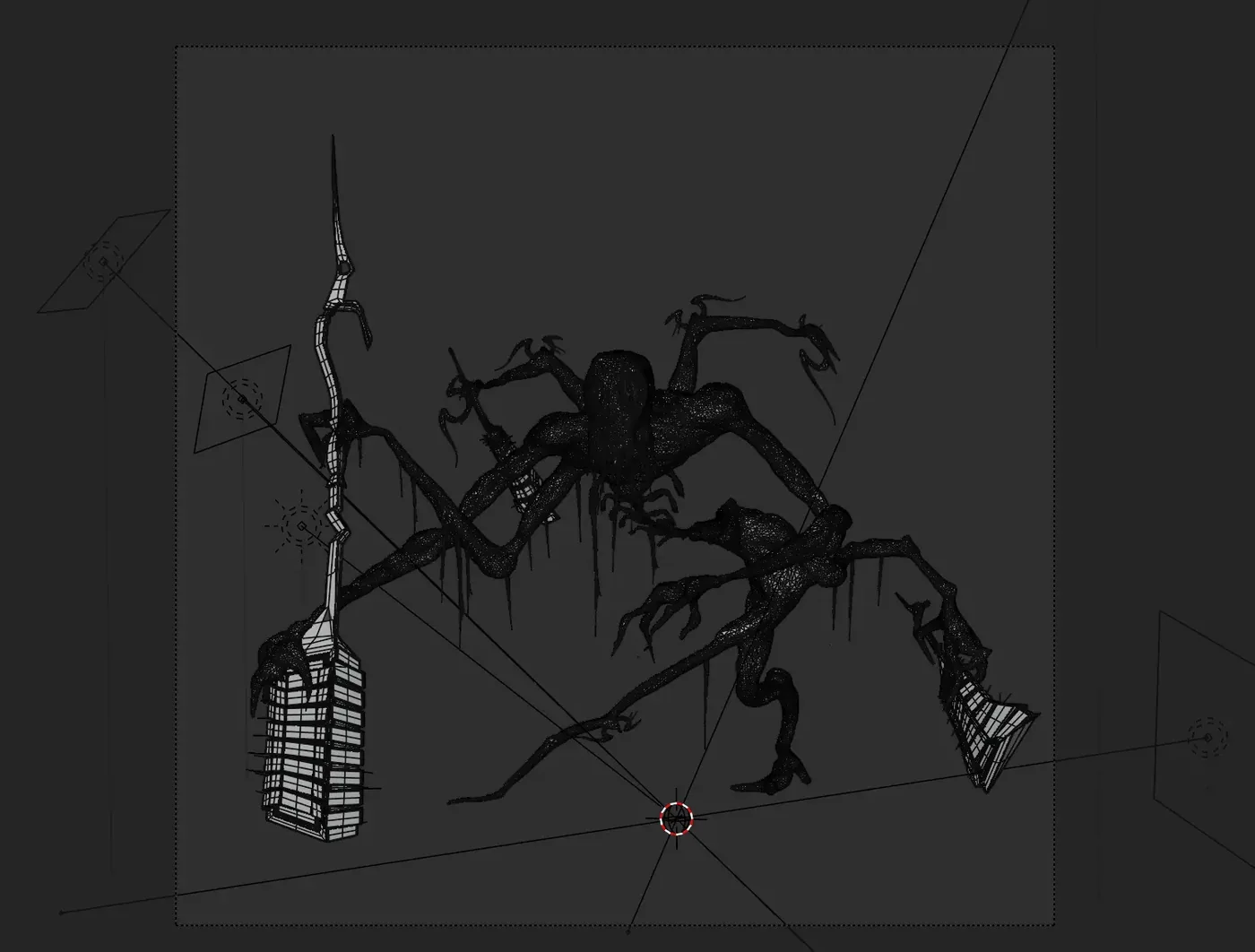
This was a speed sculpt I did after refamiliarizing myself with zBrush. Rendered in Blender's EEVEE, procedurally textured in Blender, and a little compositing in Krita.
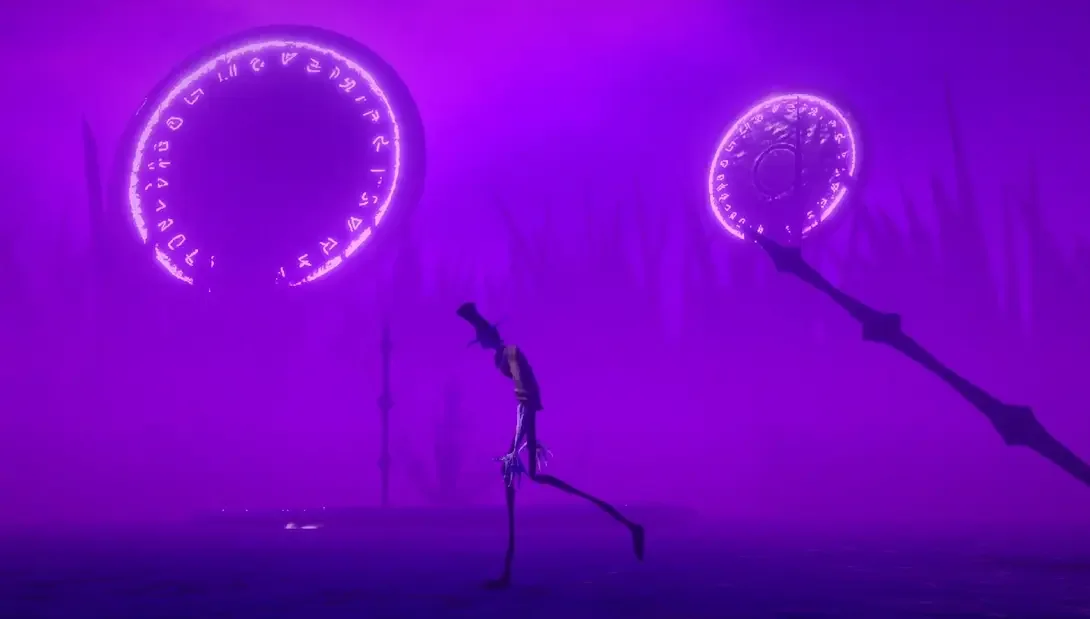
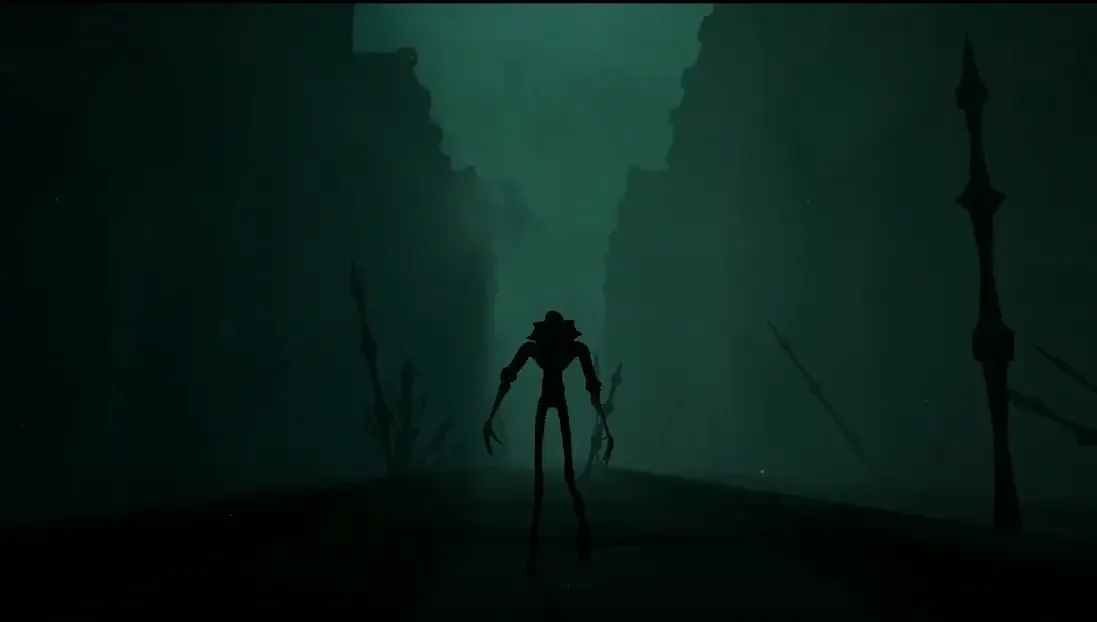
Strego is a strange character that I came up with a few years ago. Mostly inspired by the Soulsborne games and some horror monsters. I have an idea for where to use it in a pretty ambitious future project.
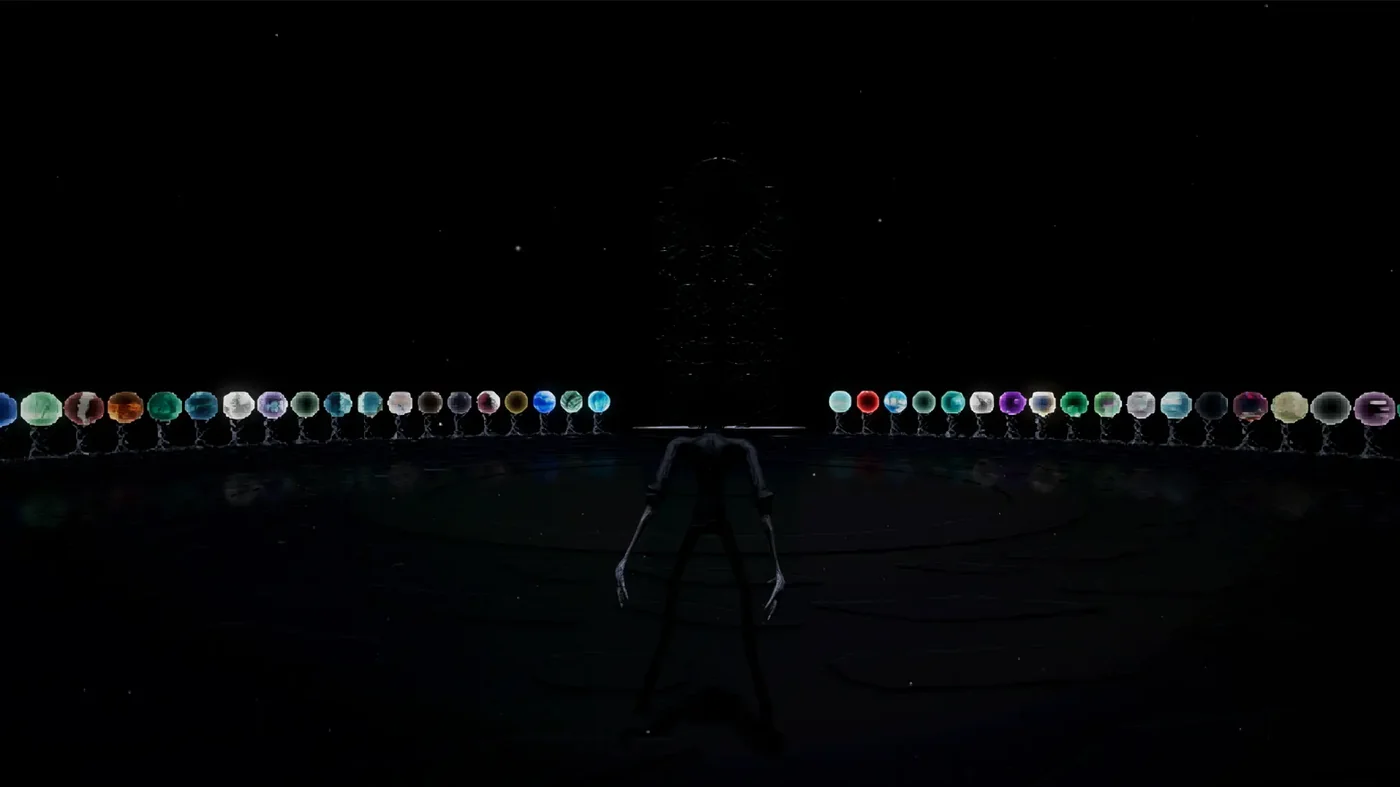
When I first set out to make a game with 100 worlds, I thought that idea sounded cool. It turned out pretty interesting, but maybe not as fun to play as I wanted. It should be releasing for free next week or the week after, so we'll see what people think.
This week was mostly patching systems together, playtesting and bug-fixing, and calling off some content I originally wanted to add, but don't think I should spend the time on right now.
Building a unity game with tons of scenes and unique assets for 3 platforms is a huge pain though. Unity 6 and the build profiles seem promising, can't wait to use that for my newer projects.
I never minded the splash screen, but apparently some players do, so I'll probably be turning it off for my future projects. But I still love Unity above the alternatives.
Since the concept of this game is so massive, I tried to use AI in a creative way to speed up the development of some assets, some textures and icons. But I found that, while current generative AI systems can be useful for saving time, relying on it for creativity rarely has good outcomes. It always seems to fall short creatively, and I often have to spend more time correcting it than I would have just starting the idea from scratch myself. In its current form, AI is very useful for speeding up some kinds of unimportant busywork, rendering filler elements or looking up coding syntax, but knowing its limits is really important for staying productive. In the future, I don't intend to rely on current generative AI for any problems requiring creative solutions.
The plan is to post updates on here every so often with details and behind-the-scenes of the projects I've been working on. I typically bounce between a bunch of things, so these posts will be a little scatter-brained.
I'll also be updating my patreon with assets that I make for my projects, alongside requests for feedback and all that good stuff. That should start next week.
I also might just give my thoughts on stuff I saw recently, anything I feel like I can uniquely add or give some value from my perspective, and I'll try to keep it concise.
So, first post, let's go.
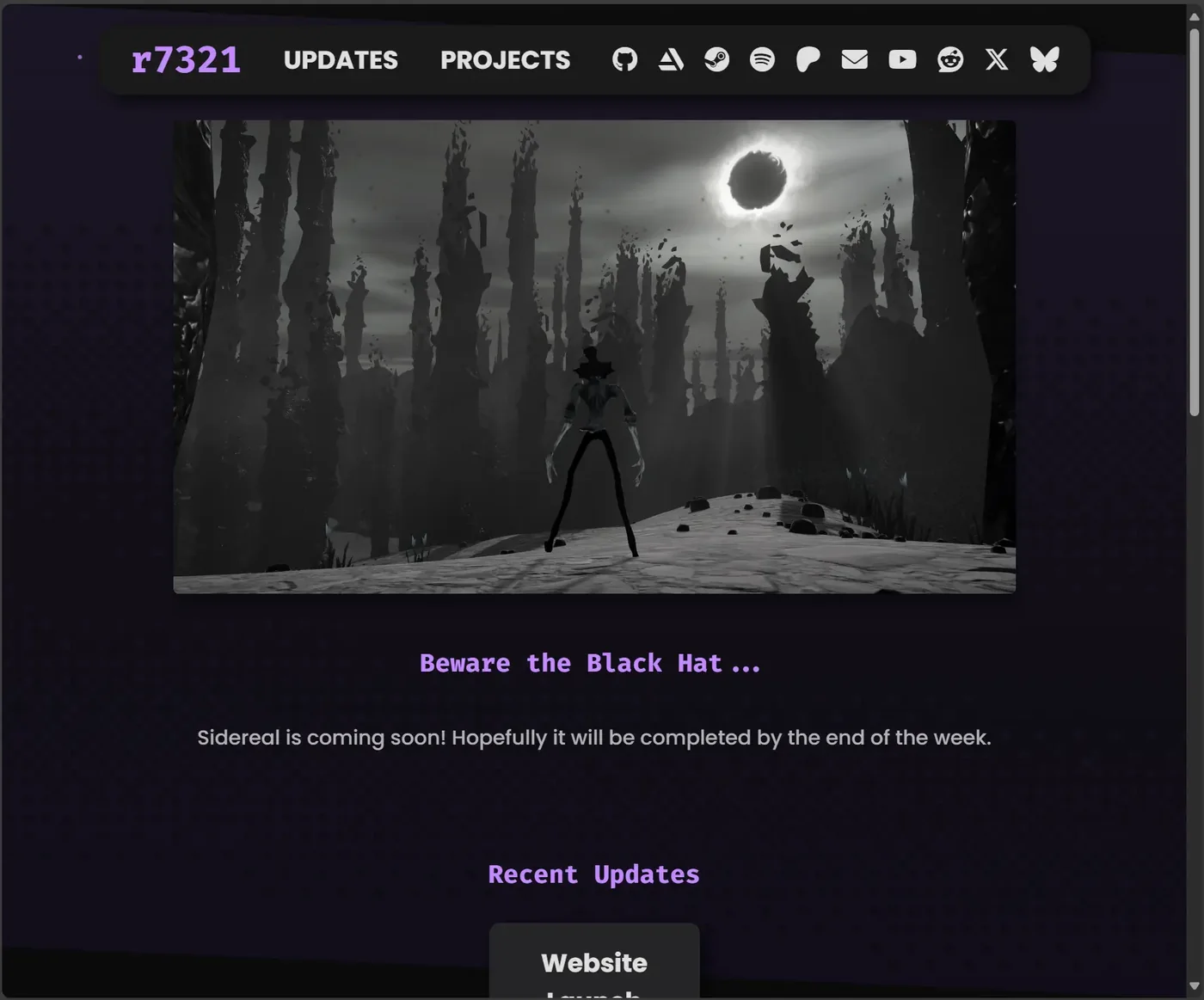
The website turned out pretty well. It's all HTML and CSS and JavaScript. I'll make updates to it when I see value, but I'm happy with it for now. Not sure if the particles are too distracting, and I couldn't figure out a better way to align the header bar for mobile, but it works. I'll see what I can do.
Source code is on my GitHub if anyone wants to look: