I put together a public version of my Workboard app, which I am calling Board Studio. I built it pretty quickly over a few days, using newer AI coding tools as part of the process. Stuff like this only really works well if I understand the software deeply enough to guide it properly. If I let it make too many design decisions on its own, it gets messy fast and I end up in the dark when something breaks. The upside is that once the structure is understood properly, it becomes very fast for me to add custom features, hotkeys, and workflow improvements, which is a big part of why I prefer building tools like this for myself instead of relying entirely on commercial software.
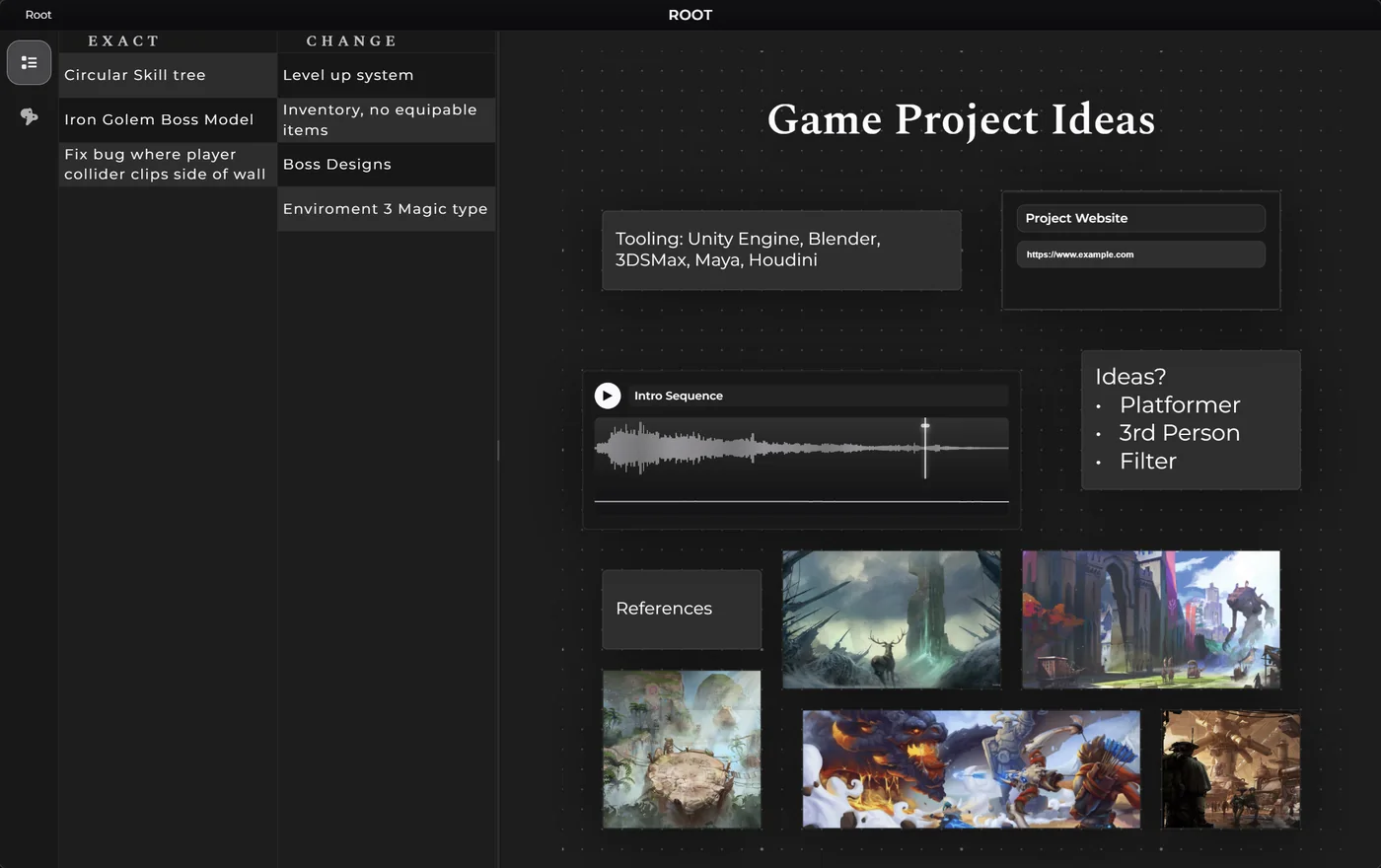
It is a Windows Electron app for organizing ideas, references, project spaces, links, media, notes, and other bits of information in a way that actually feels useful instead of cluttered. I use this kind of thing constantly, so getting a clean standalone version out in public felt worth doing.
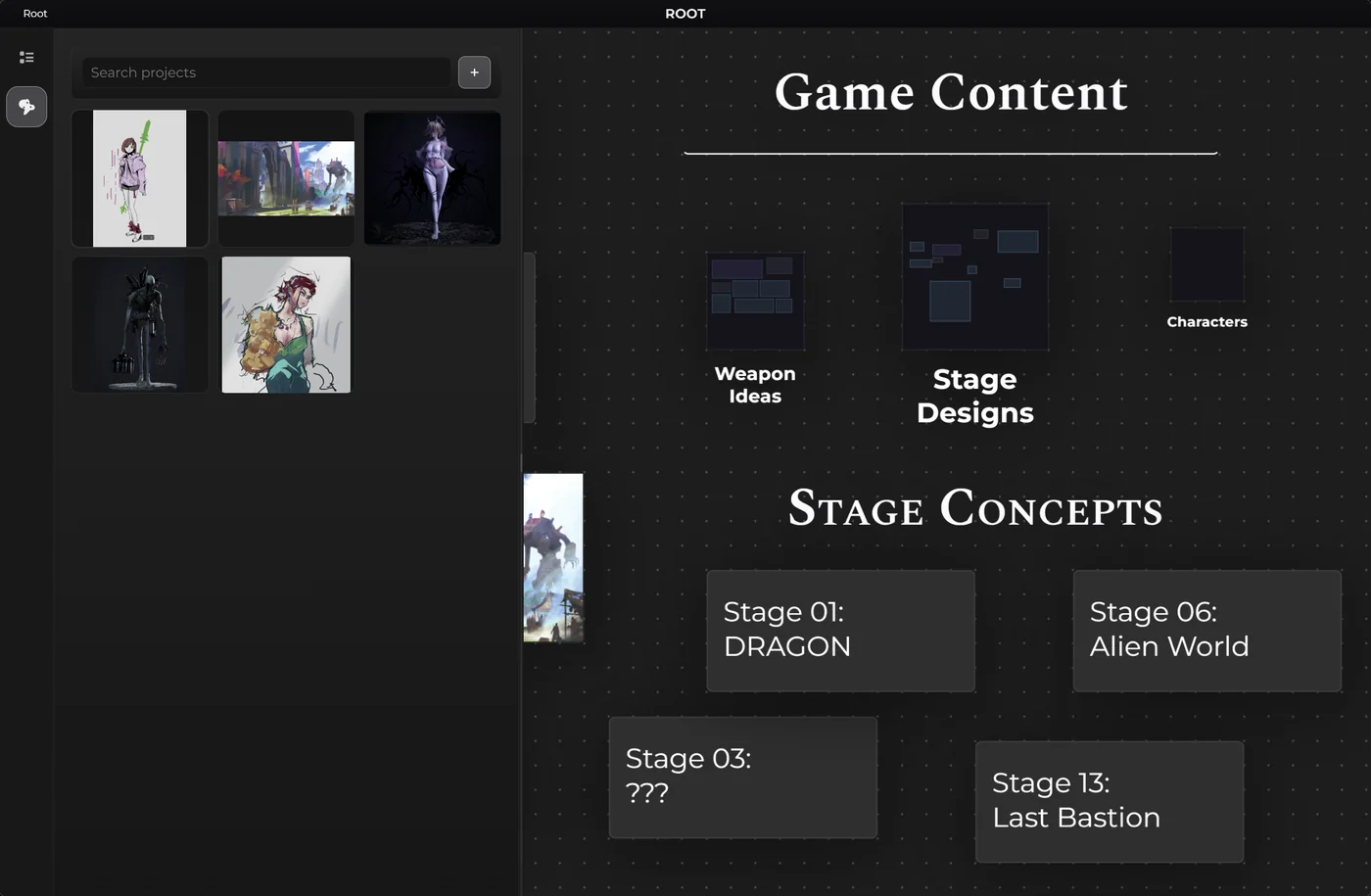
It also connects directly to a built-in paint system, so I can do quick concepting, edits, and even some basic placeholder sprite work without leaving the app. The GitHub version is posted as its own standalone base, so if anybody wants to use it as-is or build their own version from it, they can. In my own setup I also have it tied into AutoHotKey and some other workflow tools.
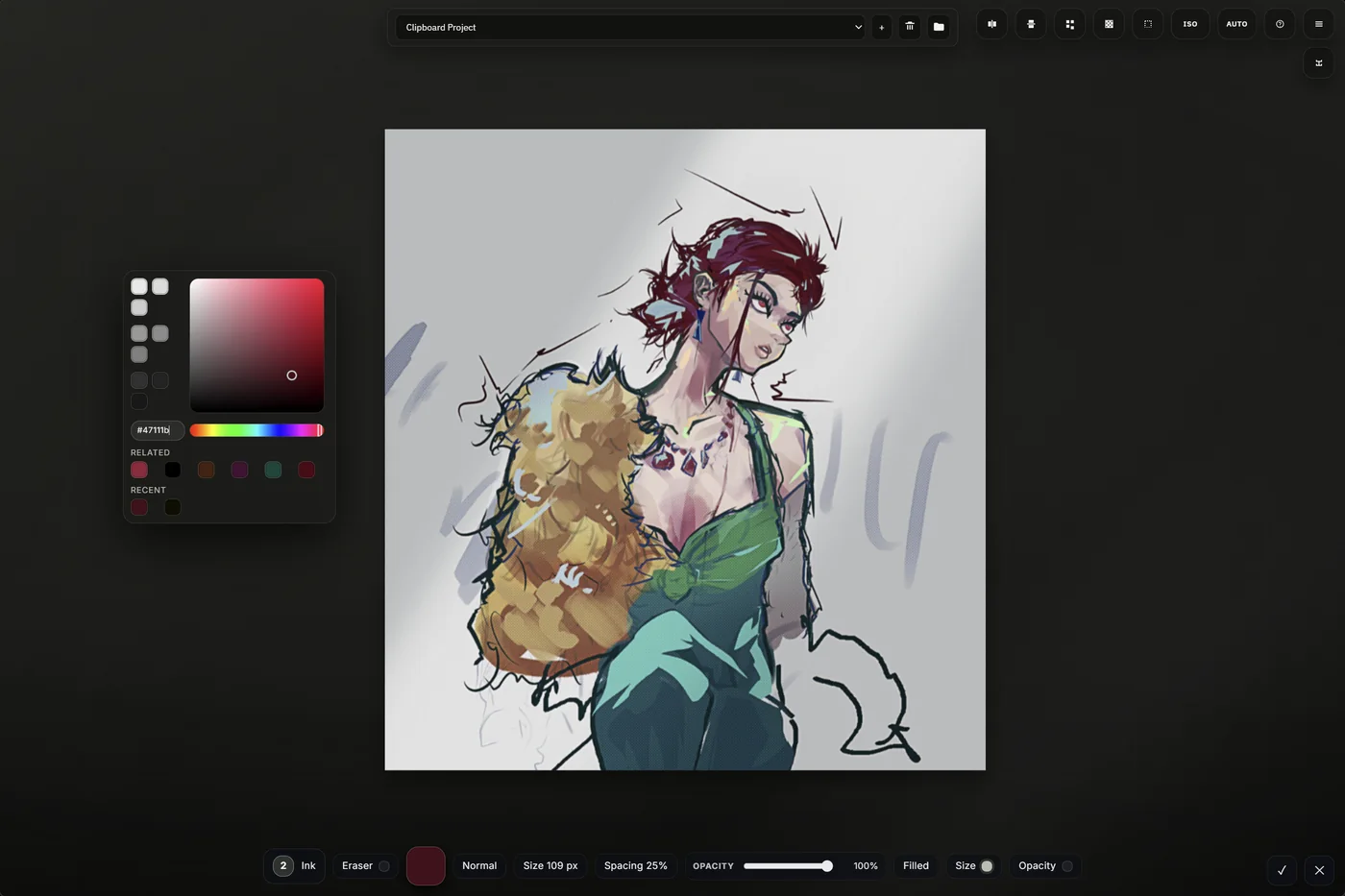
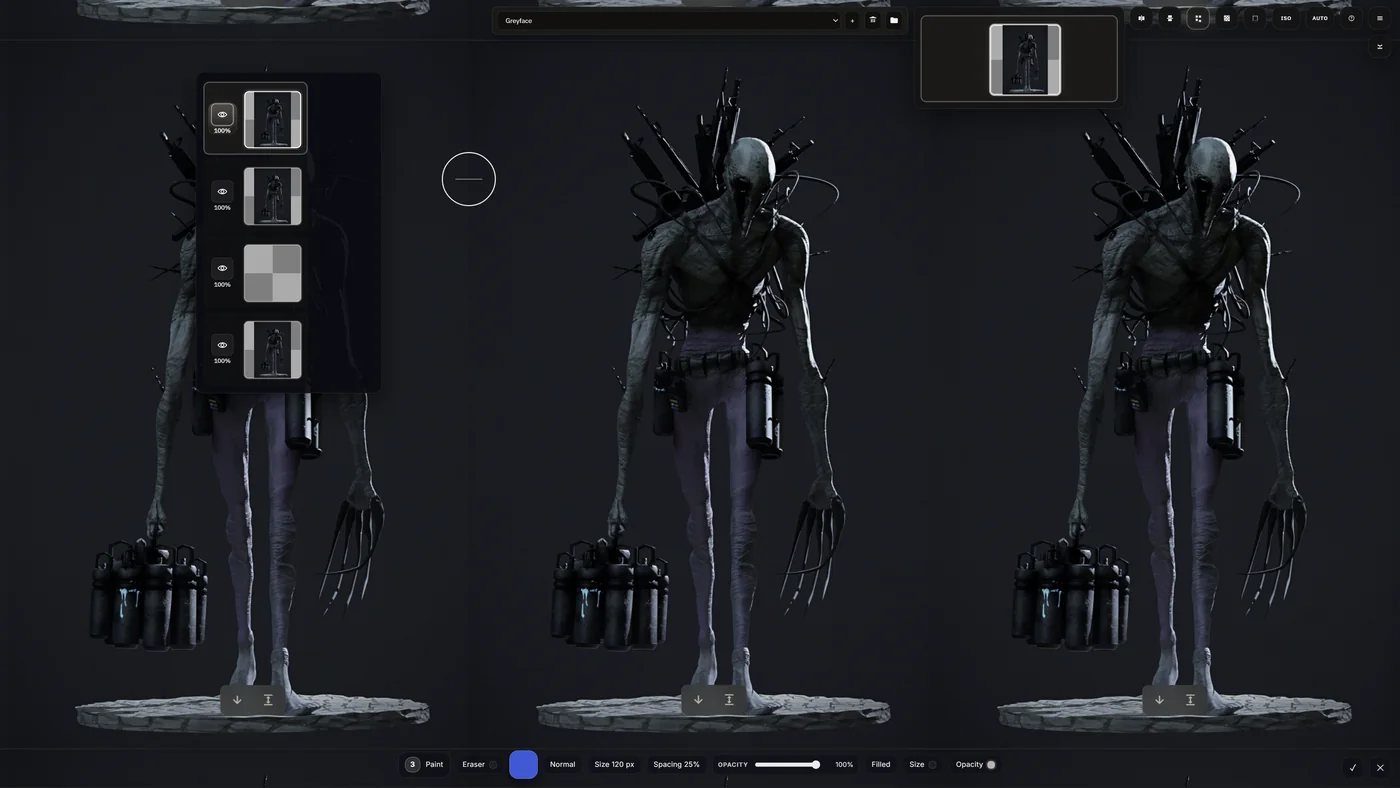
Paint Studio is built for rough concept work, thumbnails, storyboards, and simple animations, but it also has some stronger tools than that probably makes it sound. It has a full layer system, tiling, mirroring, quick adjustment processing, a good color selector, and a range of brushes including a stamp brush for repeating shapes and assets fast when blocking in contrast, value, and composition ideas.
In the second image you can also see the tiling setup, which lets me paint across the canvas bounds so tiled assets and repeating concepts read more correctly while I work. It also ties back into Board Studio so I can save individual assets as projects with multiple images, layers, and frames. There is also a Unity export path built into it, although I have not used that part enough yet to know where the bugs still are.